
User manual · Objects & Properties
Spring
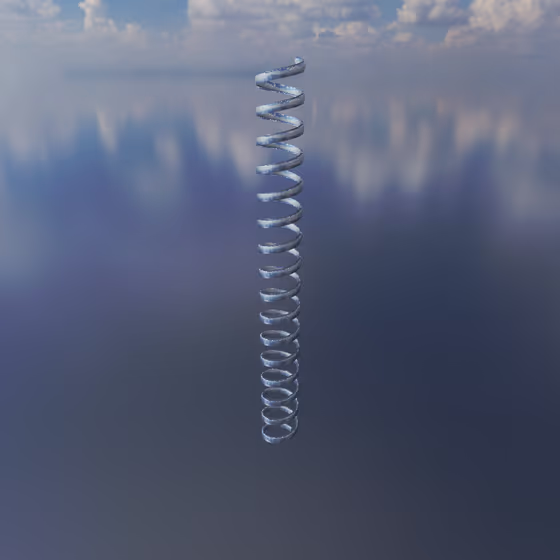
The Spring physically connects Body objects to one another and to Anchors. Each Spring has a configurable neutral length that it is always trying to return to. If it is stretched beyond its neutral length, it will pull the attached Body objects together; if it is compressed below its neutral length, it will push these objects apart.
Springs can be used to quickly connect Body objects and Anchors by clicking on the first object, pressing the "C" hotkey, and then clicking the next object to be connected.
Video tutorial · 1:27
Spring Properties#
- Stiffness: This controls how resistant the Spring is to compression or elongation, i.e., how hard it will push/pull on connected Body objects to return to its resting length. Higher stiffness tends towards higher pitch, and vice versa. When attached to a Body with high mass, higher stiffness is required for the same pitch.
- Length: The neutral resting length of the Spring. This is the length that the Spring is always trying to return to. When the two Body objects connected by the Spring are at this distance apart, the Spring does not push/pull on them. As the Body objects get closer together than the neutral length, the Spring will push them apart; as the Body objects get further apart than the neutral length, the Spring will pull them together.
- Relax Spring Length: This button sets the neutral resting length of the Spring to its current length. This can be used to relax a Spring so that it is no longer under compression or elongation in its current configuration.