
User manual · Objects & Properties
MIDI Controller
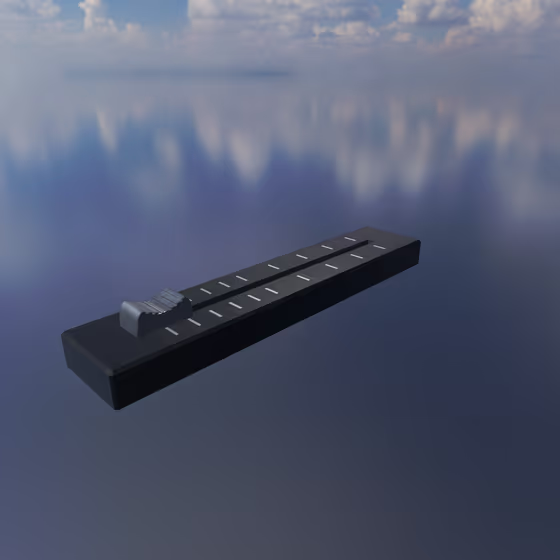
The MIDI Controller input uses a MIDI continuous control signal (knob, fader, etc.) to modulate parameters for each entity that is connected to it via a Modulator Link.
Video tutorial · 0:33
MIDI Controller Properties#
- Mode: The type of Modulator being used. Each type has its own parameters and effects.
- MIDI Channel: The MIDI channel on which continuous controller (CC) messages will be received by the Modulator.
- MIDI CC Number: The MIDI continuous controller (CC) number for the knob/fader/etc. that will control the Modulator.
- Sense: Click here to assign the MIDI channel and controller number by wiggling the input on the controller of your choice (e.g., knob, fader, pedal, etc.).
- Smoothing: How long it takes for the Modulator's output value to change when it is updated. Longer values will produce smoother changes with more input lag; smaller values will produce more abrupt changes with less input lag.