
User manual · Objects & Properties
MIDI Note Follower
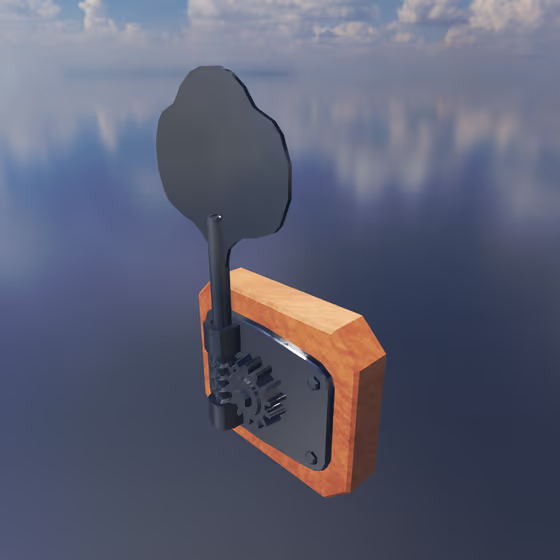
The MIDI Note Follower converts the current MIDI note into a signal to modulate parameters for each entity that is connected to it via a Modulator Link. Its output is 0 at a configurable reference note and changes by 1 for each octave the played note is above or below it. In the Object Palette and the Mode menu it is called Note Follower.
Video tutorial · 0:35
MIDI Note Follower Properties#
- Mode: The specific type of behavior used for this Modulator. Each type has its own parameters and effects.
- Depth: Scales the Modulator's output before it reaches its targets. See Modulator Properties.
- Reference Note: The note at which the follower outputs 0. Notes above it output positive values, rising by 1 for each octave, and notes below it negative values (Side can limit it to one direction). If you use the follower to control pitch, set this to the note the instrument plays without modulation. Click Choose... to pick it on an on-screen keyboard, or Sense... and press a note on your MIDI controller.
- Side: Which notes the follower follows: Both follows notes above and below the Reference Note, Above only those above it, and Below only those below it. On the side it does not follow, it outputs 0. For example, set Side to Above to brighten only the upper register while the notes below the Reference Note stay as they are.
- Smoothing: How long it takes for the Modulator's output value to change when it is updated. Longer values will produce smoother changes with more input lag, and smaller values will produce more abrupt changes with less input lag.