
User manual · Objects & Properties
Noise Gate
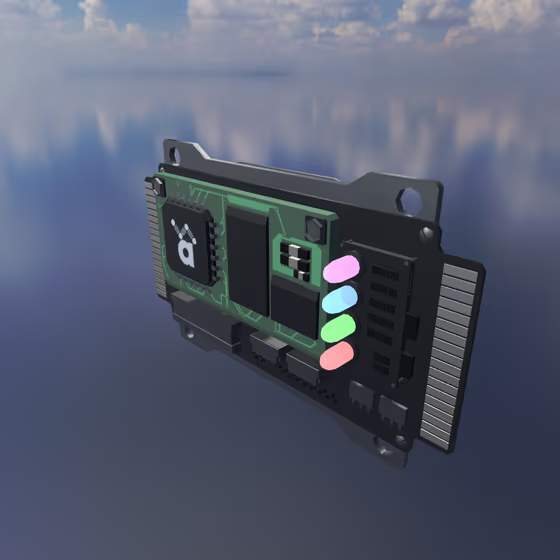
The Noise Gate FX passes audio only while it is louder than a threshold, silencing background noise, bleed, or quiet tails between notes. Like all FX, it receives audio via Delay Lines or its external input channel.
Noise Gate Properties#
- Threshold: The level above which the gate opens. Signal louder than this passes through; quieter signal is silenced.
- Hysteresis: The gap between the open and close thresholds. Larger values prevent the gate from chattering when the signal hovers near the threshold.
- Attack: How quickly the gate opens after the signal crosses the threshold. A fast attack preserves transients; a slow attack rounds them off.
- Hold: The minimum time the gate stays open after the signal drops below the threshold, before the release phase begins.
- Release: How quickly the gate closes after the hold time expires. A short release sounds choppy; a long release lets natural decays through.
- Range: How much the signal is attenuated when the gate is closed. A value of -90 dB is fully silent; values closer to 0 dB let some signal bleed through for a softer ducking effect.
- Lookahead: Delays the audio so the gate can open just before a transient arrives, preserving its initial impact at fast attack settings.