
User manual · Objects & Properties
Bow
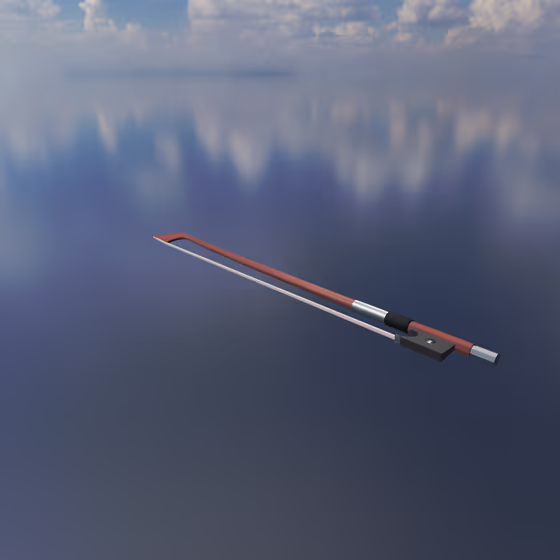
The Bow is used to simulate the physical bowing of each Body object that is connected to it via an Exciter Link. The orientation of the Bow controls the direction in which each Body is vibrated.
Video tutorial · 1:42
Bow Properties#
- Draw Velocity: The velocity with which the Bow is drawn across the connected Body objects. Higher velocity tends towards larger vibrations and thus louder sounds.
- Rosin Stiction: Controls how strongly the Bow's rosin sticks to the string. Higher stiction tends to lead to odder harmonics, or a harsher sound.
- Rosin Dropoff: Controls how quickly the rosin's stickiness drops off when the Bow's rate of movement is different from the connected Body's movement. If the Bow is not making sound, then you may need to experiment with different values for this parameter.
- Envelope Attack: When the MIDI note is pressed, this is the duration it takes for the envelope to increase from minimum to maximum gain.
- Envelope Decay: After the attack phase of the envelope is finished, this is the duration it takes for the envelope to drop from full gain to sustain gain.
- Envelope Sustain: After the decay phase of the envelope is finished, this is the fraction of maximum gain that the envelope will sustain.
- Envelope Release: When the MIDI note is released, this is the duration it takes for the envelope to decrease from sustain gain to minimum gain.