
User manual · Objects & Properties
Distortion
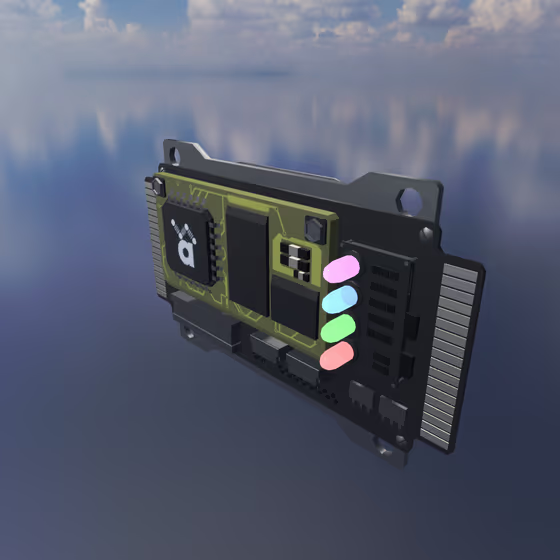
The Distortion FX shapes and saturates the audio routed through it, from gentle analog-style warmth to bitcrushed digital destruction. Like all FX, it receives audio via Delay Lines or its external input channel.
Distortion Properties#
- Mode: The distortion algorithm: Soft Clip (tanh), Soft Clip (atan), Hard Clip, Waveshaper, Bitcrusher, or Fuzz. The parameters below that apply only to a specific mode are shown when that mode is selected.
- Drive: Boosts the input signal before the distortion stage.
- Threshold (Hard Clip mode): The hard-clip threshold. Lower values will distort more.
- Waveshaper A (Waveshaper mode): Changes the shape of the waveshaper curve by scaling its linear component.
- Waveshaper B (Waveshaper mode): Changes the shape of the waveshaper curve by scaling its cubic component.
- Bit Depth (Bitcrusher mode): Reduces the bit depth of the audio signal. Lower values will distort more.
- Decimation (Bitcrusher mode): Reduces the sample rate of the audio signal by the given factor. Higher values will distort more.
- Fuzz Bias (Fuzz mode): Values further from 0 generate even-order harmonics for more transistor-fuzz character.
- Fuzz Character (Fuzz mode): Second-stage gain that pushes the already-clipped first stage deeper into the second saturator, producing a "violin sustain" character.