
User manual · Objects & Properties
Plectrum
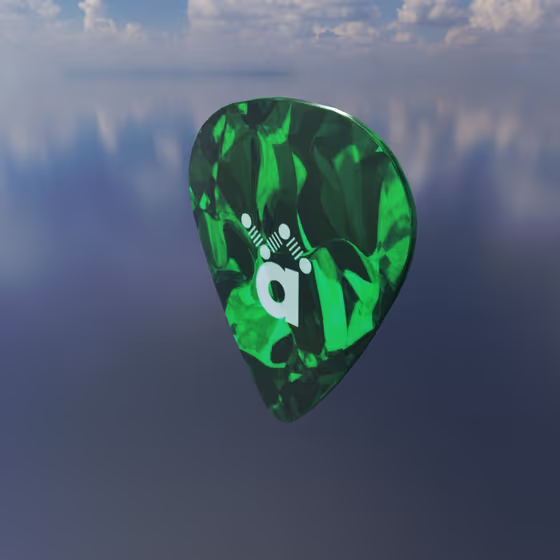
The Plectrum is used to physically pluck each Body or Resonator that is connected to it via an Exciter Link. The orientation of the Plectrum controls the direction in which each object is plucked.
The Plectrum plucks in one of two ways. Pick mode pushes a pick into the object until it slips off the pick's edge, with a release click and a scrape of the object across the pick. Pull mode, the original Plectrum, pulls the object back by a set distance and lets it go. New Plectrums start in Pick mode, and presets made with the original Plectrum keep their Pull mode and sound the same.
The settings every Exciter shares (its MIDI note, Mode, Velocity, Orientation and Position) are described on the Exciter & Exciter Link page.
Video tutorial · 0:51
Plectrum Properties#
- Pluck: How the Plectrum plucks: Pick pushes the connected object until it has moved the Depth and lets go, and Pull moves it by the Distance over the Duration and then releases it. The properties below that belong to one mode are shown only in that mode. The randomize button beside the drop-down picks a different way of plucking for each selected Plectrum, rolled separately, so a group of them ends up with a mixture.
Pull Mode#
- Distance: The distance by which the connected objects will be pulled back (in the direction of the Plectrum) before being released.
- Duration: The duration over which the connected objects will be pulled back (in the direction of the Plectrum) before being released. Note that while the objects are being pulled back, they cannot vibrate normally, so if, e.g., a Mic is connected to one of these objects, it will go mute during this duration. To avoid this, you can apply a very brief duration, or connect the Mic to a nearby object instead.
Pick Mode#
- Depth: How far the pick pushes the connected object before it lets go, scaled by the MIDI velocity, which sets the loudness of the pluck. (In Pull mode, this same control is the Distance.)
- Speed: How fast the pick moves through the connected object, from a slow pluck to a fast strike that is louder and brighter, scaled by the MIDI velocity along with the Depth and the Tip.
- Flex: How much the pick gives before the object moves, from rigid at 0 to a pick that pushes for longer and lets go more gently at 1.
- Tip: How far the object slides off the pick's edge as it lets go, which softens the release.
- Click: The amount of click as the object leaves the pick's edge: a broadband snap at the release.
- Noise: The amount of scrape of the object across the pick while it pushes and slides off.
- Use Dilated Time: Times the pick's Speed and Tip in the note's dilated time instead of real time, so every note gets the same pluck.