
User manual · Objects & Properties
Compressor
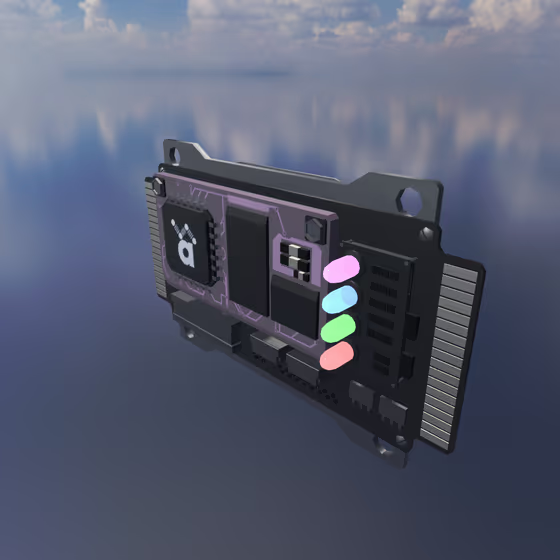
The Compressor FX evens out the dynamics of the audio routed through it, taming peaks and bringing up quiet details. It has more features than the built-in compressor on Mic objects and sounds better, at the cost of more CPU. Like all FX, it receives audio via Delay Lines or its external input channel.
Compressor Properties#
- Threshold: The level in dB above which the compressor starts reducing gain.
- Ratio: How much the signal is compressed above the threshold. A ratio of 1:1 is no compression, 20:1 is heavy limiting, and +infinity is a brick-wall limiter.
- Knee: The width (in dB) of the soft transition region around the threshold. A value of 0 dB is a hard knee; wider values produce a gentler, more transparent compression onset.
- Attack: How quickly the compressor reaches its target gain reduction after the signal exceeds the threshold.
- Release: How quickly the compressor relaxes back to no gain reduction after the signal falls below the threshold.
- Makeup: Static gain applied after compression to bring the level back up.