
User manual · Objects & Properties
Flanger
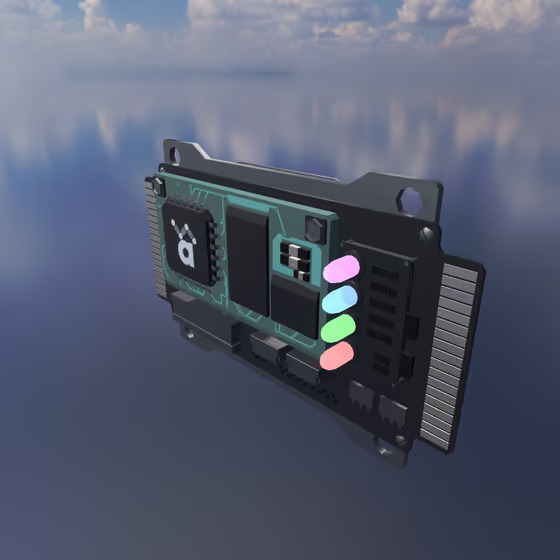
The Flanger FX mixes the audio routed through it with a very short, sweeping delayed copy of itself, producing the classic jet-engine swoosh. Like all FX, it receives audio via Delay Lines or its external input channel.
Flanger Properties#
- Rate: Speed of the flanger sweep. Slow rates produce a long swooshing motion; fast rates give a vibrato-like ripple.
- Depth: How wide the sweep moves. A value of 0 freezes the comb at a single position, while high values produce a deep sweep.
- Delay: The center delay time of the flanger. Shorter values give a tight, metallic comb tone; longer values feel hollower and chorus-like.
- Feedback: How much output is fed back into the input. Positive feedback emphasizes the resonant peaks for a bright, metallic sound; negative feedback emphasizes the notches for a hollow, underwater sound.
- Width: Stereo width of the flanger. A value of 0 collapses to mono, 1 is natural stereo, and values above 1 over-emphasize the side channel.