
User manual · Objects & Properties
Mallet
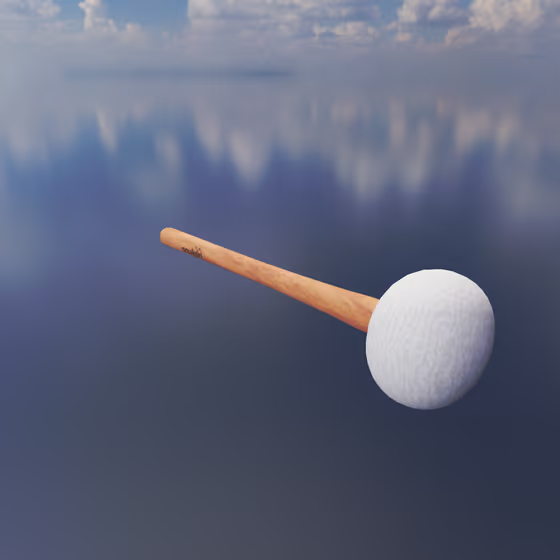
The Mallet is used to simulate the physical striking of each Body object that is connected to it via an Exciter Link. The orientation of the Mallet controls the direction in which each Body is struck.
Video tutorial · 1:01
Mallet Properties#
- Impulse: The total amount of force the Mallet will apply to each Body it is attached to over a brief time period. Higher impulse values tend to produce larger vibrations and thus louder sounds.
- Min. Hardness: Controls how hard the head of the Mallet is at minimum MIDI velocity. Small values are more like felt heads, and larger values are more like wood or metal heads. The hardness increases between the min/max based on MIDI velocity.
- Max. Hardness: Controls how hard the head of the Mallet is at maximum MIDI velocity. Small values are more like felt heads, and larger values are more like wood or metal heads. The hardness increases between the min/max based on MIDI velocity.
- Noise: The amount of white noise to mix into the Mallet's impact with the connected Body objects. This adds a bit of a click to the sound and can help reduce the impulse required to get the same amount of loudness.
- Use Dilated Time: Normally the Mallet's impact duration is dilated proportionally based on what MIDI note is being played, in order to achieve a more consistent attack across the MIDI note range. If this option is disabled, the Mallet impact duration will be constant regardless of the note. Generally the effect is subtle, but this may cause higher notes to have a punchier, sharper attack.