
User manual · Objects & Properties
Macro
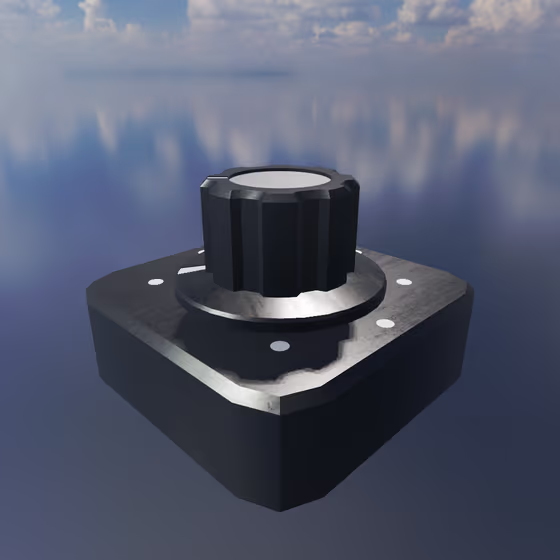
The Macro modulates parameters for each entity that is connected to it via a Modulator Link. Its value can come from host (DAW) automation, from a MIDI Continuous Control knob or fader, or from one of the Macro knobs inside Anukari itself; the Macro outputs the most recent value seen from any of its inputs.
Video tutorial · 1:02
Macro Properties#
- Mode: The type of Modulator being used. Each type has its own parameters and effects.
- Smoothing: How long it takes for the Modulator's output value to change when it is updated. Longer values will produce smoother changes with more input lag; smaller values will produce more abrupt changes with less input lag.
- Macro Slot: To control this Modulator with one of the Macro knobs in the lower right-hand corner of the Anukari screen, select one of the Macro knob slots here. Multiple Macro objects can be controlled by the same Macro knob.