
User manual · Objects & Properties
MIDI Poly Aftertouch
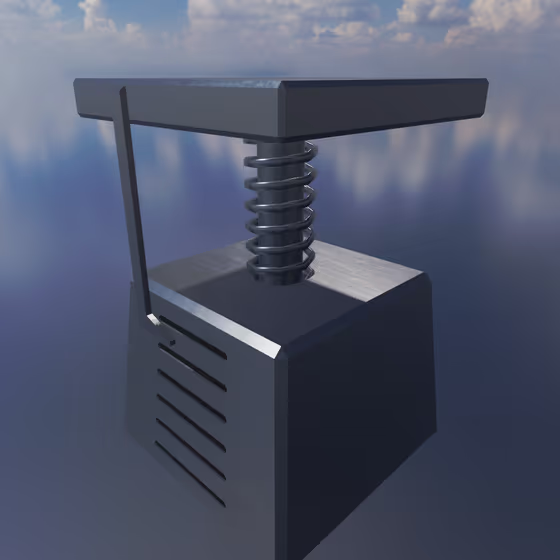
The MIDI Poly Aftertouch input uses a MIDI aftertouch signal to modulate parameters for each entity that is connected to it via a Modulator Link. In the Object Palette and the Mode menu it is called Aftertouch.
Video tutorial · 0:48
MIDI Poly Aftertouch Properties#
- Mode: The specific type of behavior used for this Modulator. Each type has its own parameters and effects.
- Depth: Scales the Modulator's output before it reaches its targets. See Modulator Properties.
- MIDI Note: The MIDI channel/note from which this Modulator will receive aftertouch information. Click Choose... to pick it on an on-screen keyboard, or Sense... and press a note on your MIDI controller.
- Smoothing: How long it takes for the Modulator's output value to change when it is updated. Longer values will produce smoother changes with more input lag, and smaller values will produce more abrupt changes with less input lag.