
User manual · Objects & Properties
Oscillator
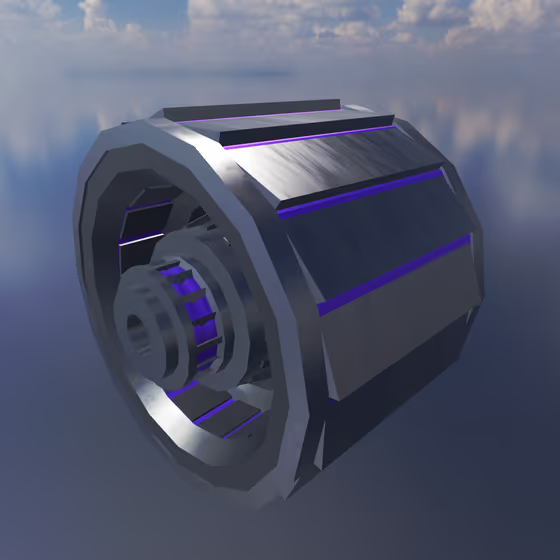
The Oscillator is used to induce vibration based on a waveform in each Body object that is connected to it via an Exciter Link. The orientation of the Oscillator controls the direction in which each Body is vibrated.
Video tutorial · 2:54
Oscillator Properties#
- Gain: The amount of gain that will be applied to the Oscillator waveform before it is applied as a directional force to connected Body objects.
- Shape: The type of waveform that the Oscillator will generate. Options are Sine, Triangle, Sawtooth, Square, White Noise, Sample & Hold, Sample & Interpolate Smooth, and Sample & Interpolate Linear.
- Octave: The number of octaves by which to raise or lower the pitch of the Oscillator.
- Semitone: The number of semitones (interval) by which to raise or lower the pitch of the Oscillator.
- Detune: The number of cents by which to raise or lower the pitch of the Oscillator.
- Pulse Width: When the waveform is set to Square, this is the duty cycle of the wave, or the fraction of time that it is positive. If a Modulator is attached to this Oscillator, then this can be modulated for PWM.
- Use Dilated Time: Normally the Oscillator's output waveform speed is scaled based on what MIDI note is being played, with higher notes running faster. If this option is disabled, the Oscillator waveform will run at a constant rate regardless of the note. This is useful for drones and other effects.
- Envelope Attack: When the MIDI note is pressed, this is the duration it takes for the envelope to increase from minimum to maximum gain.
- Envelope Decay: After the attack phase of the envelope is finished, this is the duration it takes for the envelope to drop from full gain to sustain gain.
- Envelope Sustain: After the decay phase of the envelope is finished, this is the fraction of maximum gain that the envelope will sustain.
- Envelope Release: When the MIDI note is released, this is the duration it takes for the envelope to decrease from sustain gain to minimum gain.