Captain's Log: Stardate 79884.7
Well, I let this devlog go a wee bit too long without an update, didn’t I? :)
As usual, my sparse updates are due to being too busy working on Anukari to write about it, rather than having nothing to write about! The latest release has some huge changes that I am thrilled to share, possibly over the course of a couple of devlog posts.
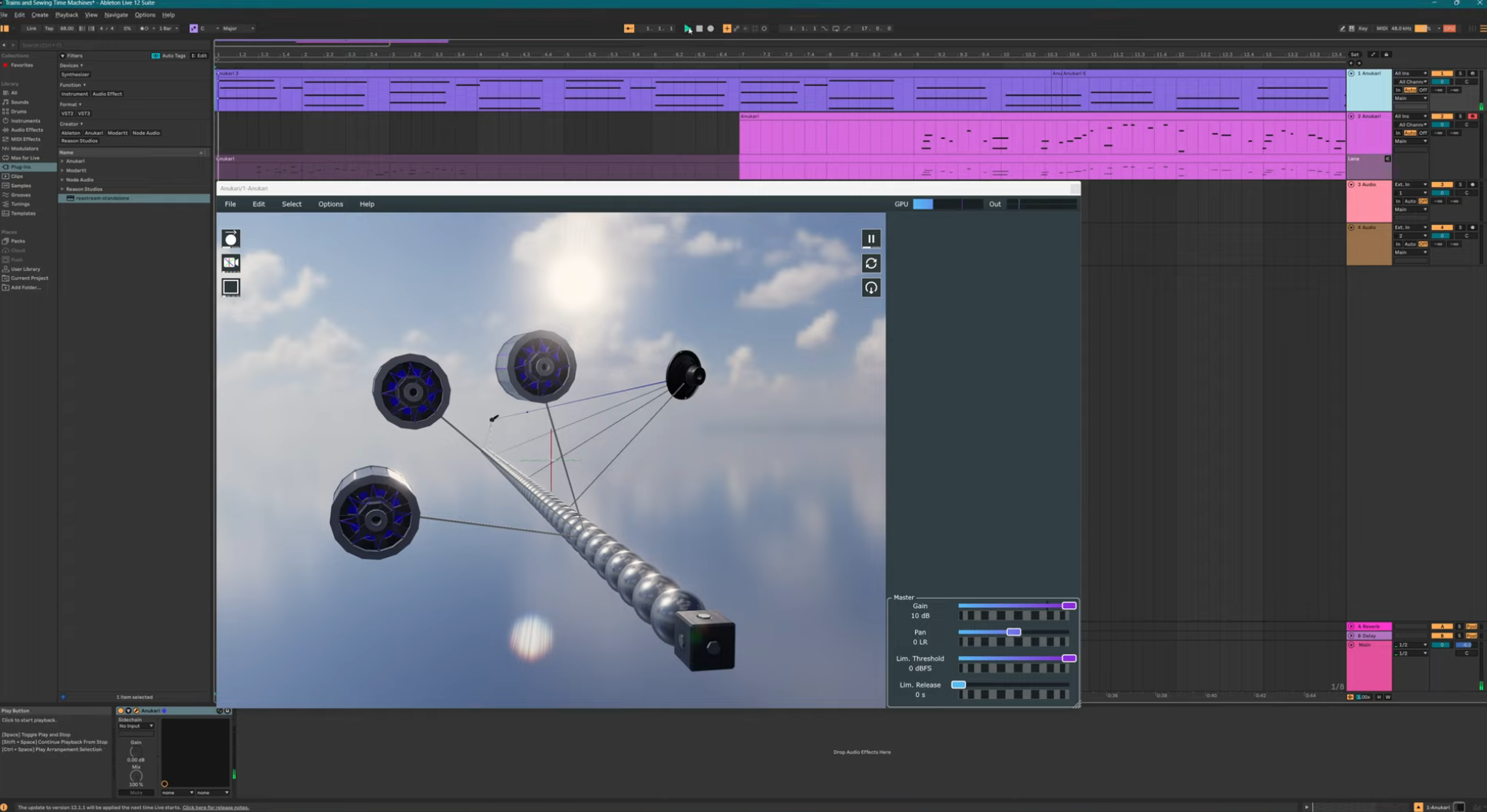
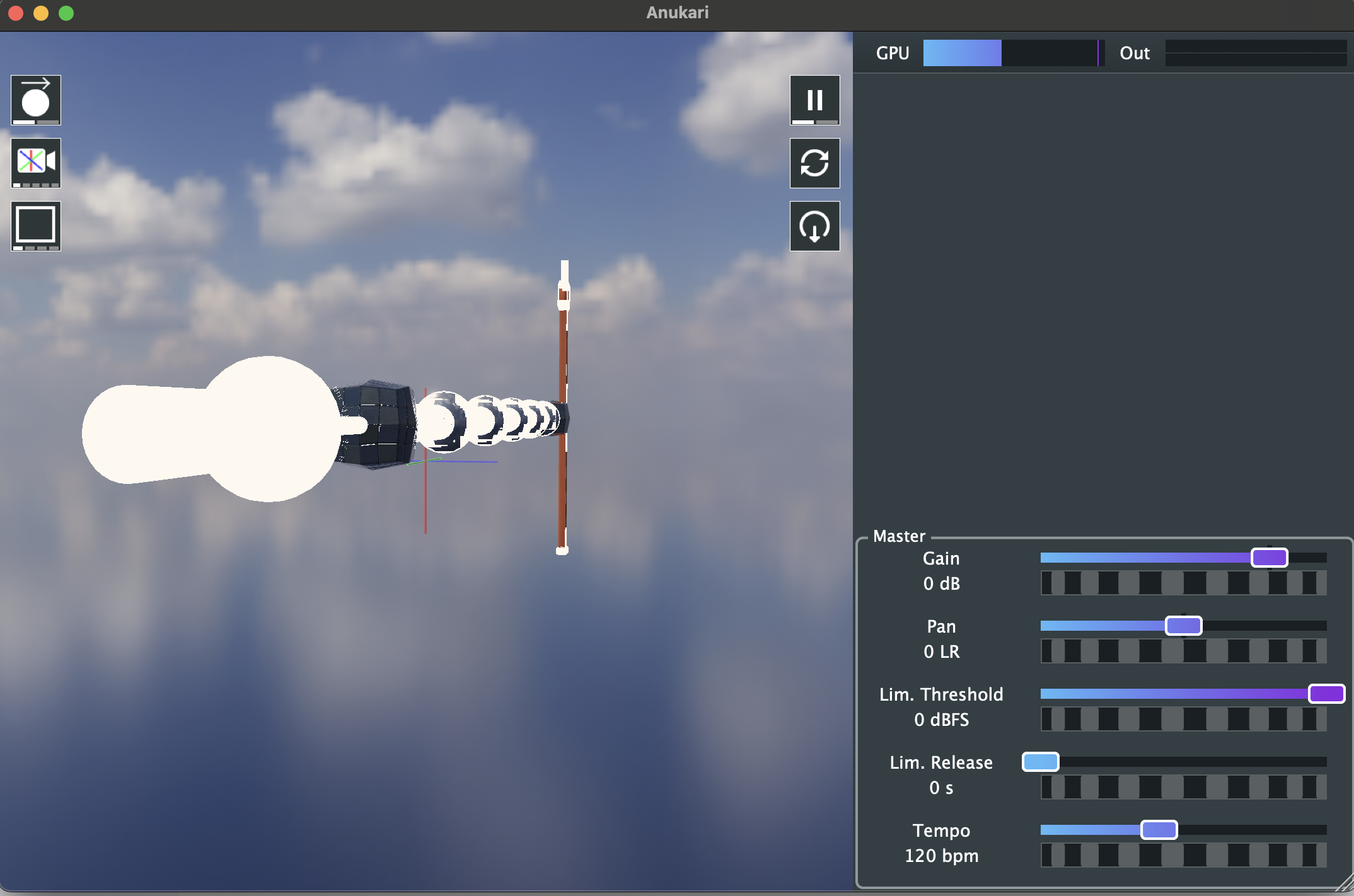
In this post I’ll talk about how I rewrote Anukari’s 3D graphics pipeline from scratch.
Anukari’s 3D graphics history
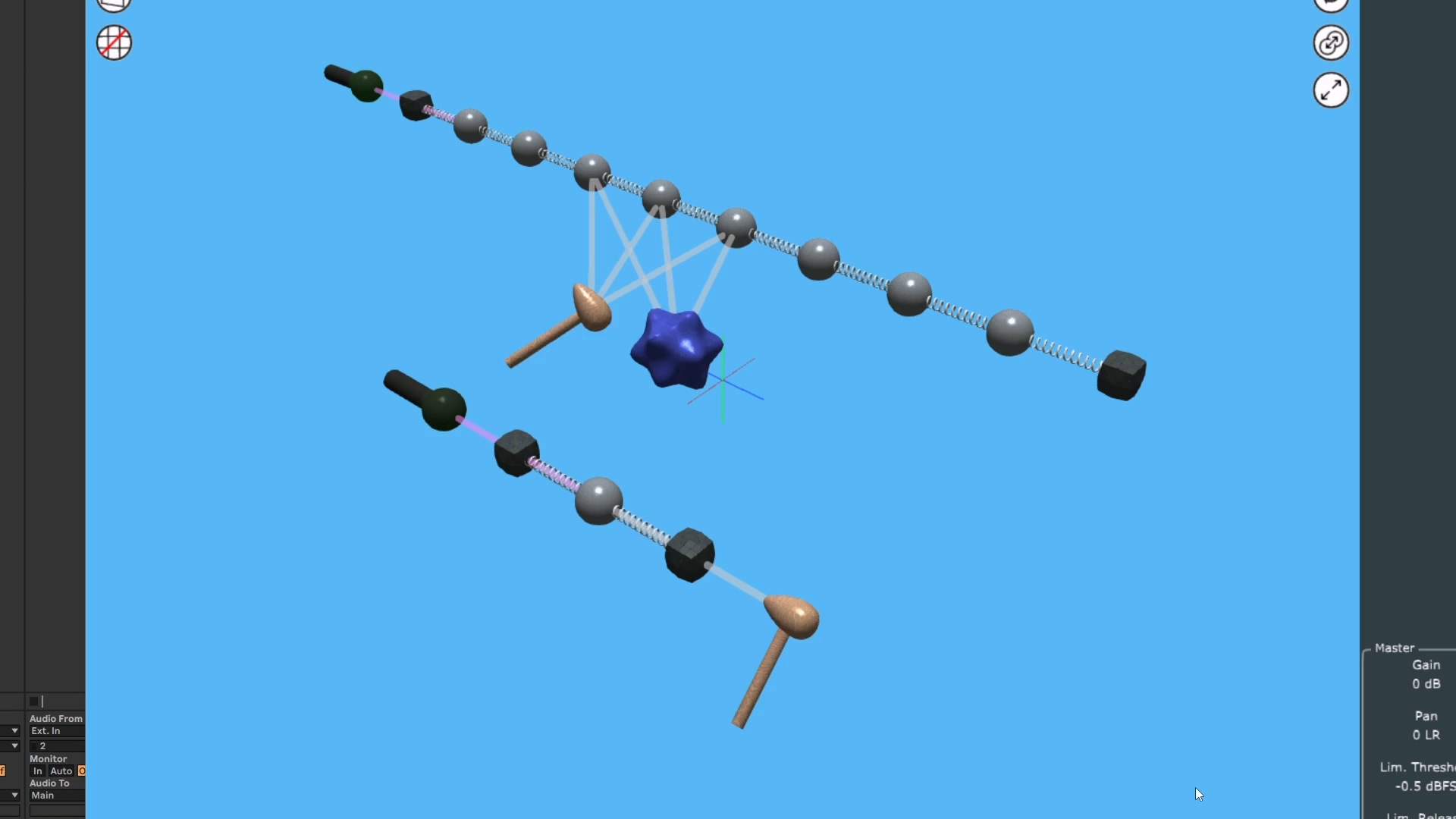
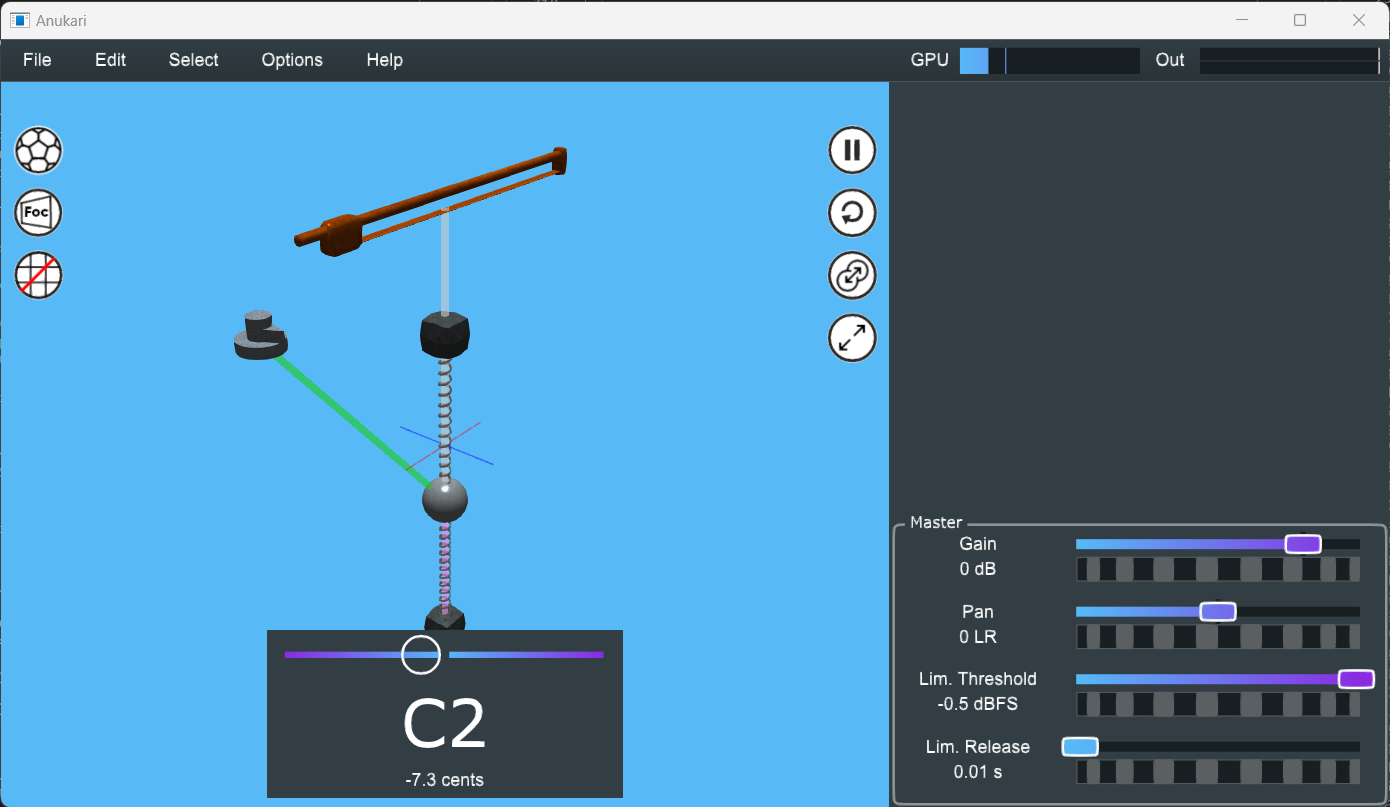
The original versions of Anukari used a simple 3D rendering pipeline that I wrote from scratch in OpenGL. It was perfectly adequate for the early Alpha testing period, but I always planned to replace it with something more sophisticated. Even as simple as it was, it was a lot of work, and to add .glTF model loading, animations, materials, skyboxes, etc, it just wasn’t realistic for me to do it all myself without sacrificing more important work, like making the plugin fun to use.
Prior to the Beta I migrated the 3D graphics to use Google Filament, an open-source library for Physically Based Rendering (PBR). I wanted to use a library, and not an application framework or engine (like Unity or Unreal), because I don’t need anything but the graphics layer and didn’t want to bloat Anukari. Also it’s really important that I have very detailed control over how assets are loaded, so that I can make Anukari load extremely quickly.
There are not many options that occupy the “3D graphics library” space. The only other two I looked at were Diligent Engine and bgfx. Both of these looked decent, but Filament had the advantage of providing the basic PBR pipeline and had a built in palette of effects (such as Depth of Field, Bloom, etc). I also found Filament’s APIs to be easier to grok.
Filament was great. I quickly got to where Anukari could load custom .glTF objects complete with animations, and it also had all kinds of nice effects, a skybox, and a full PBR lighting model. This allowed me to get the Beta out the door with great graphics.
Stability woes
Pretty early, though, I started running into issues with Filament crashing.
It turned out that Filament made extensive use of various assertion macros that would cause a “Filament Panic” when e.g. a postcondition was violated. For example, if a Vulkan call fails for an unexpected reason, Filament will panic. And “panic” means it will throw an exception.
Now, Filament is designed to do all heavy work on a background thread that it spawns internally. This means that the client code cannot catch the panic exception, because it will be thrown on Filament’s internal thread. Filament allowed a “panic handler” to be installed, but all it could do is log something, and after returning, Filament would abort the process.
IMO, library code should never be allowed to abort the process, except in very narrow circumstances, such as when it detects that memory corruption has occurred, and a crash is guaranteed, in which case it may be better to terminate loudly. Certainly in any scenario that doesn’t involve undefined behavior, a library should NEVER abort.
I filed a bug about this back in 2024 but didn’t get any traction. In the meantime, I survived by reporting and/or fixing Filament panics that were obviously avoidable. The Filament folks were great about working on these issues, and accepted several of my PRs to fix.
As the Beta went on, and Anukari got more and more stable, it came to a point where every time a user sent a crash report, I knew before opening it that it was going to be some new Filament panic. Anukari was extremely stable, except for the 3D graphics.
Still, I didn’t see a better option. I could try porting to Diligent Engine or bgfx, but what if they had their own issues? Filament was at least a known quantity, and the maintainers are fantastic people who were more than willing to work with me, at least on straightforward bug fixes.
But especially with Anukari being a plugin, I consider it absolutely critical that it never crashes, because it will bring down the user's entire DAW session, possibly causing huge amounts of lost work. Or it could even bring down a live show! Completely unacceptable.
Giving up on Filament
The last straw was when I discovered that Filament would panic on any Vulkan VK_DEVICE_LOST error. To be fair, the way manufacturers use this error is incredibly obnoxious. Basically any Vulkan API method can return it, and it means that the whole Vulkan session needs to be torn down and rebuilt from scratch.
This sucks, but it is reality. For example, on my NVIDIA Windows machine, the default setting is for the graphics driver to be updated whenever the OS wants. Literally Windows will occasionally update my graphics driver while Anukari is running. How anyone at NVIDIA or Microsoft thought this was acceptable, I have no idea. But it happens, and when it does, all Vulkan sessions on the machine immediately return VK_DEVICE_LOST.
As frustrating as this is to handle properly, it is possible. The application needs to create an entirely new Vulkan session from scratch and reload all assets, etc. Because Anukari is so heavily-optimized to load quickly, this isn’t that big of a deal. It appears to the user as just a slight graphics stutter.
But because Filament panicked on VK_DEVICE_LOST, it was a guaranteed crash, not recoverable in any way. I spoke with the Filament folks about this, and they were sympathetic, and eventually even implemented a partial fix.
The new engine
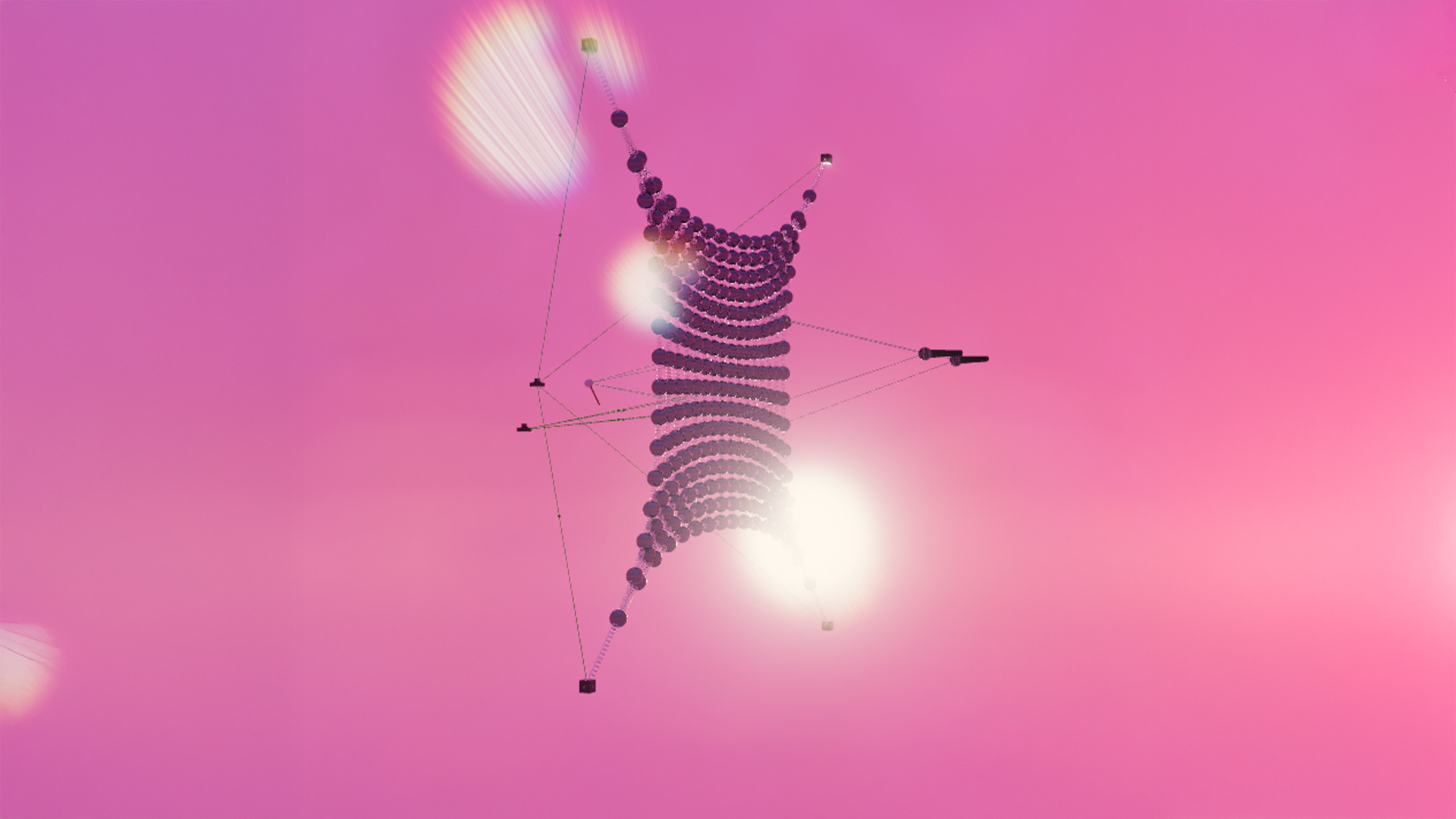
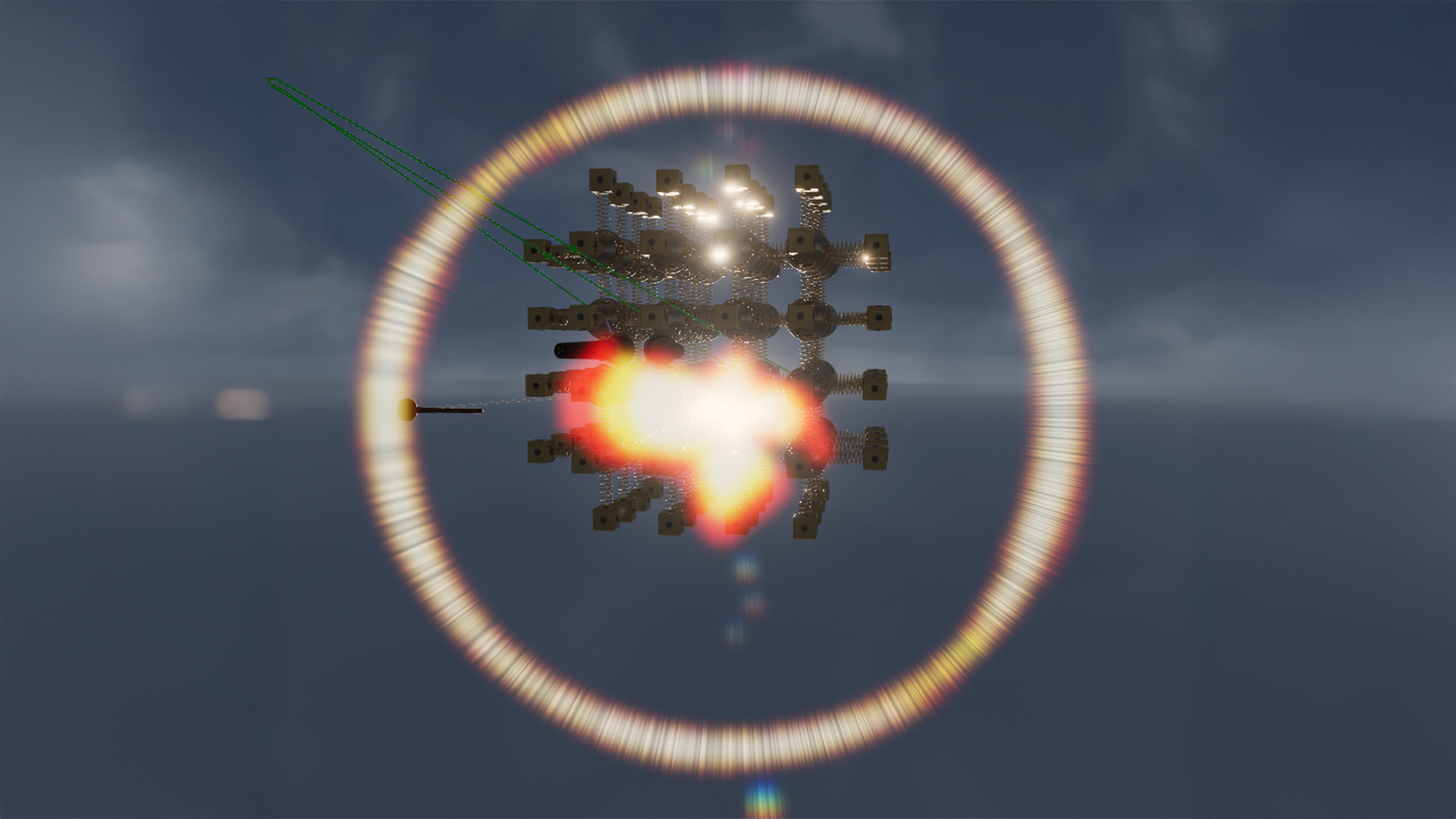
By the time Filament had partly fixed the panics, I was 20K lines of code into writing a new PBR engine from scratch, and was convinced that I could get better results myself. Ultimately I ended up completely replacing Filament with about 40K lines of custom 3D graphics code.
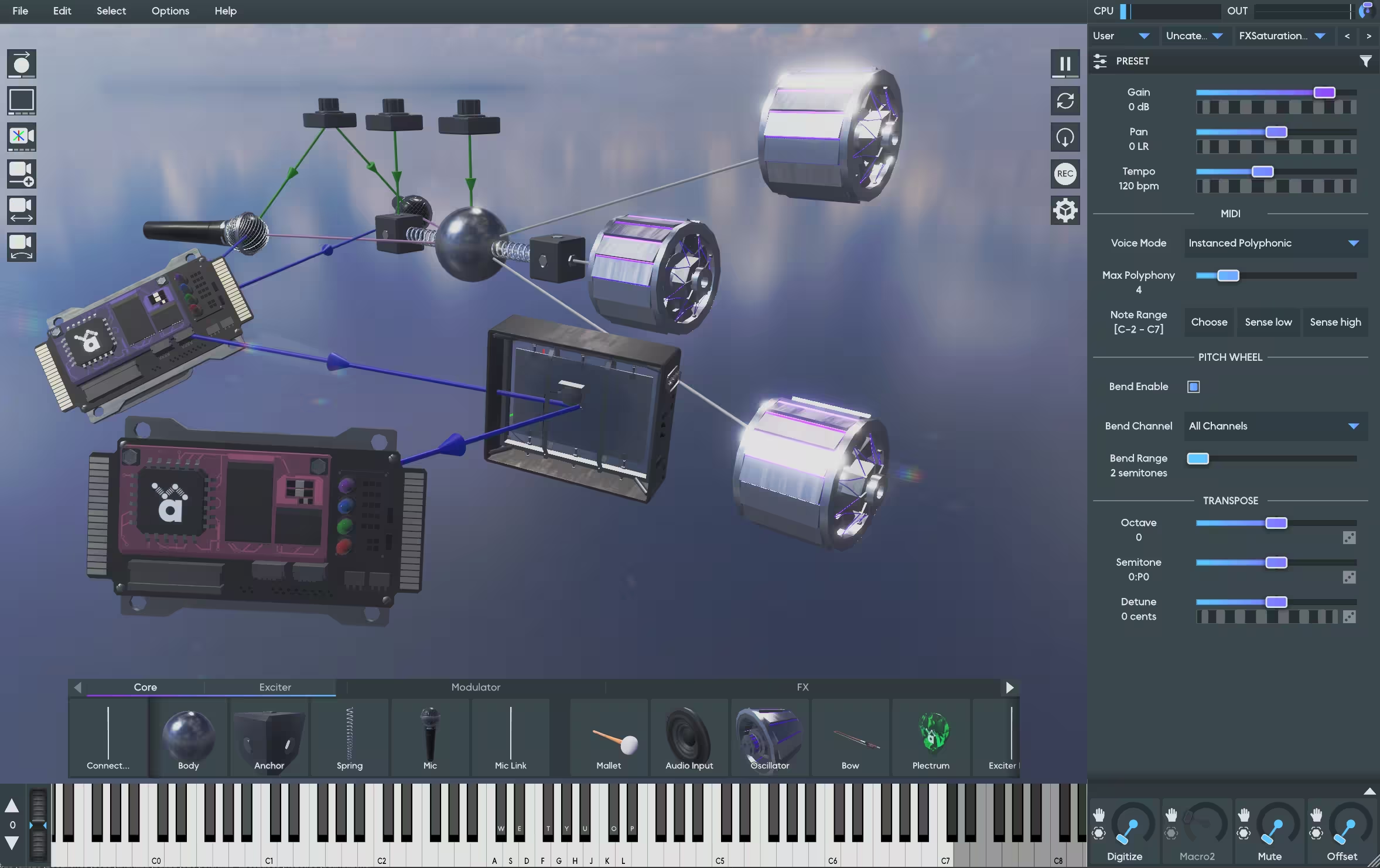
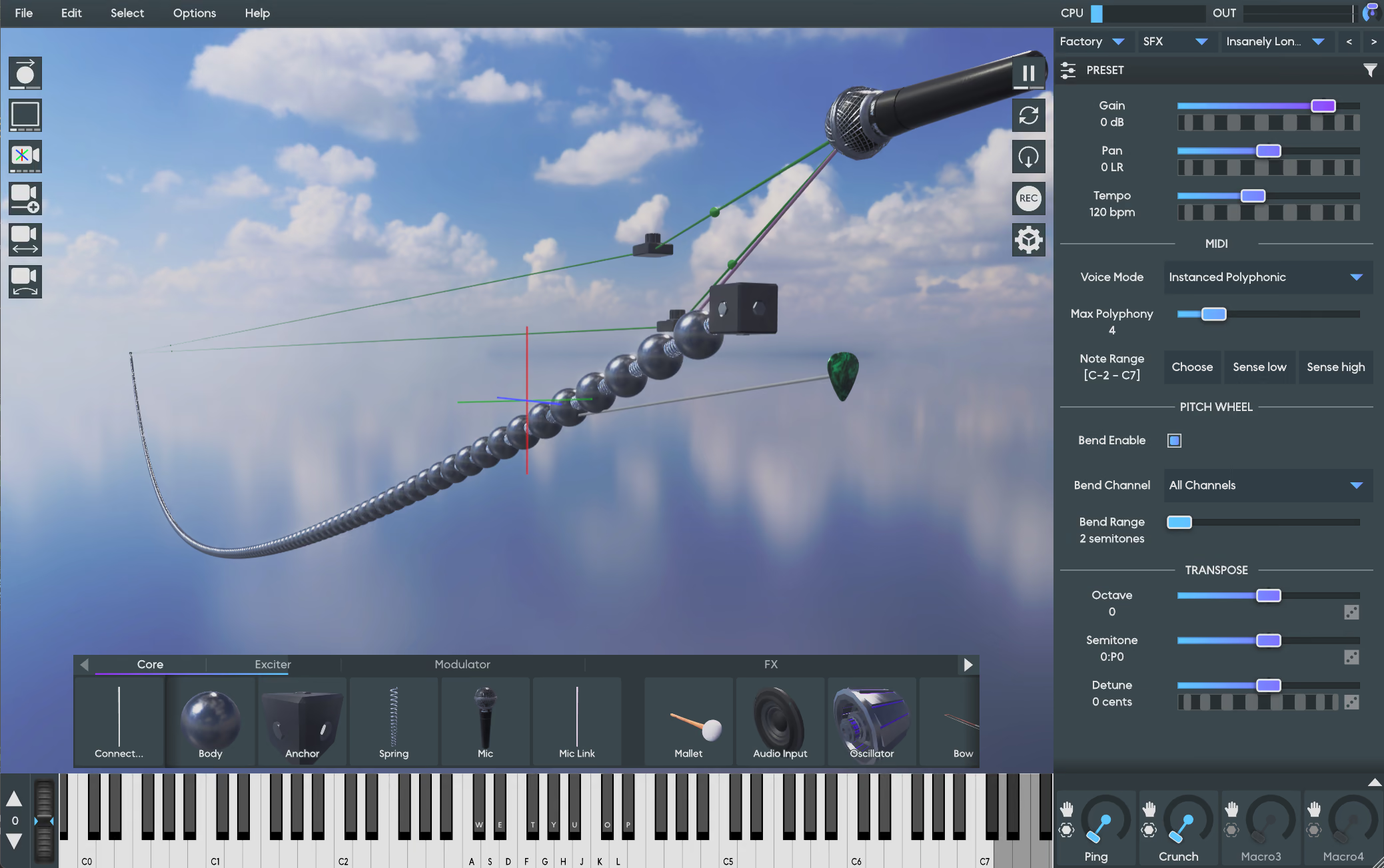
The new code is: more stable, more efficient with RAM and VRAM, uses less CPU, achieves higher framerates, looks better, loads faster, has better compatibility with weird hardware, and has a bunch of features I wanted that Filament does not support, such as loading ktx2 skybox textures. It runs flawlessly on Vulkan and Metal. It is better in every way, except that now I am solely responsible for maintaining it.
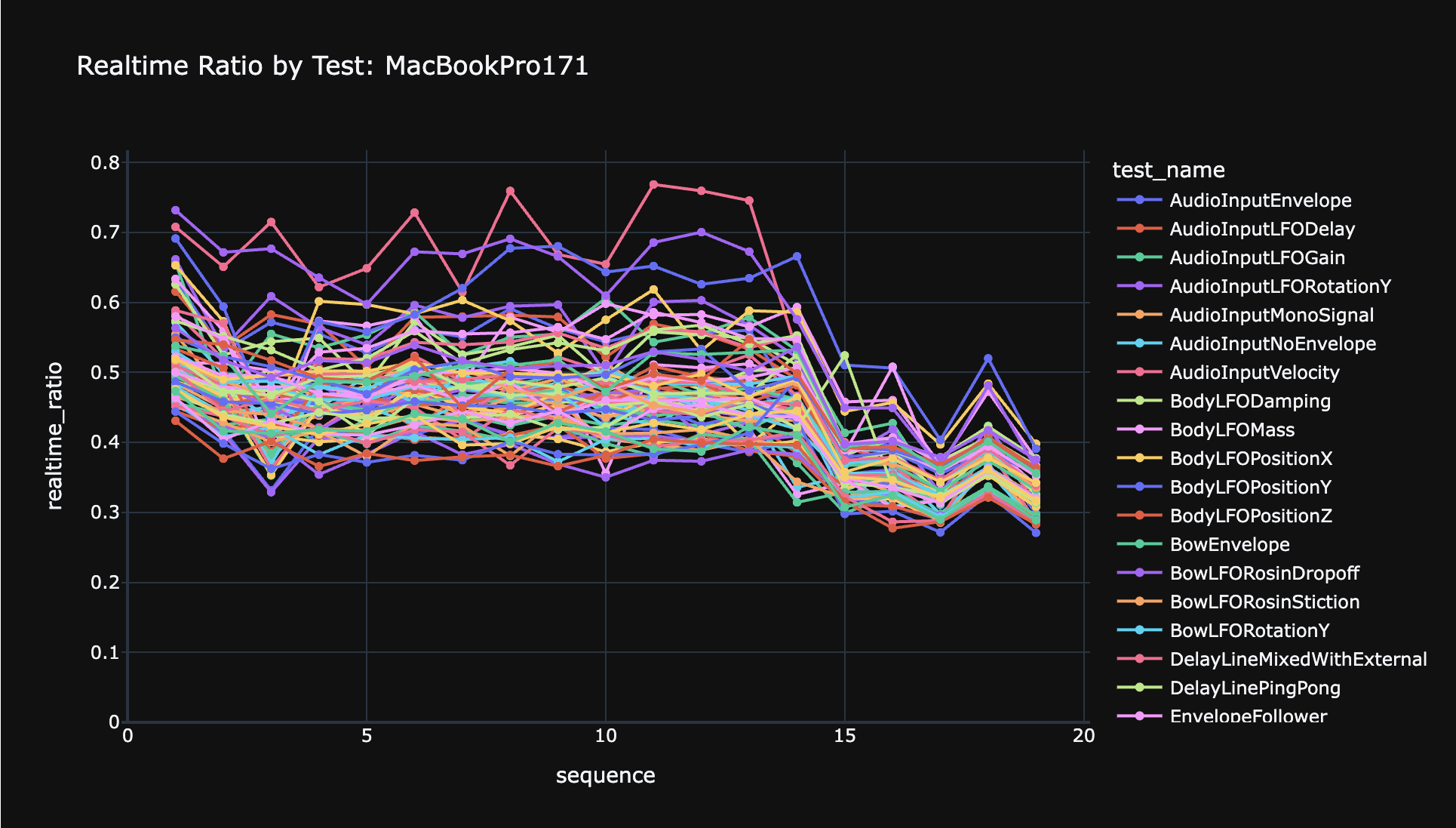
The new engine has extensive tests. There are hundreds of image snapshot tests, where a scene is rendered with certain features enabled, and compared with a “golden” snapshot that I manually verified. It also has fuzz tests that exercise every feature in the engine, while simultaneously injecting Vulkan/Metal API errors (such as VK_DEVICE_LOST) to make sure that it is impossible to crash, and that it always successfully auto-recovers. And each important feature also has a performance regression test.
So, uh, how did I manage to do this? I write code pretty fast, but not 10K lines of code a week fast. Especially not for something like graphics code where I’d have to be reading research papers to find the best algorithms for things like ambient occlusion and GGF microsurface metallicity LUTs.
Coding with AI
The answer of course is Claude. It still took hundreds of hours of my time writing thousands of prompts for Claude, but I would guess that it went about 20x faster than if I tried to write the code myself. I have no doubt this would have taken me 1-2 years without AI, and instead it took me a few weeks.
Frankly I found the experience quite gobsmacking and disorienting. I had Claude doing its own literature surveys, finding and reading the latest research papers for various parts of the graphics pipeline. I’d have it summarize the state of the art for each feature, and then we’d come up with a plan, and Claude would write all the code.
One very important detail is that Claude is multi-modal and can “see” images. Things would not have gone this fast without that. One of the first things we built was the snapshot testing system, and I instructed Claude that if a snapshot test failed, that Claude should go look at the images itself and try to understand what was wrong and fix it. This meant that often Claude could fully diagnose and fix its own bugs, and a huge amount of the development loop was entirely Claude. While Claude was in that loop on one feature, I was writing up the prompts for the next features, or testing the code in ways that Claude (currently) can’t, like interacting with the app with a mouse and keyboard.
There are other factors that helped make this particular project such a wild success. It’s a fairly greenfield, self-contained feature. It’s mostly easy to verify the results (does it look good?). And it’s all well-understood algorithms with excellent research papers documenting them. Plus anywhere that I was unsure how to proceed, I could always ask “what algorithm does Filament use for this?” and use that as a starting point. And of course I have a background in 3D graphics myself, which helped.
I do want to be clear that I haven’t rewritten all of Filament. It has a ton of features that I didn’t implement, because I don’t need them. Going forward I’ll have to add features on-demand, which is quite a different approach to using a library.
So this was wildly successful for Anukari. Would I recommend this approach to others? Not necessarily. It was still much more work than using an off-the-shelf library. And I think that without my engineering background it may have been substantially more difficult to get good results out of Claude.
But in the right situation, AI is an unbelievable super-power. I am thrilled that I was able to use it to make Anukari an even better plugin. So far I am not seeing any compromise: I am still in complete creative control, still making every important design decision. Just 20x faster.





.jpg)