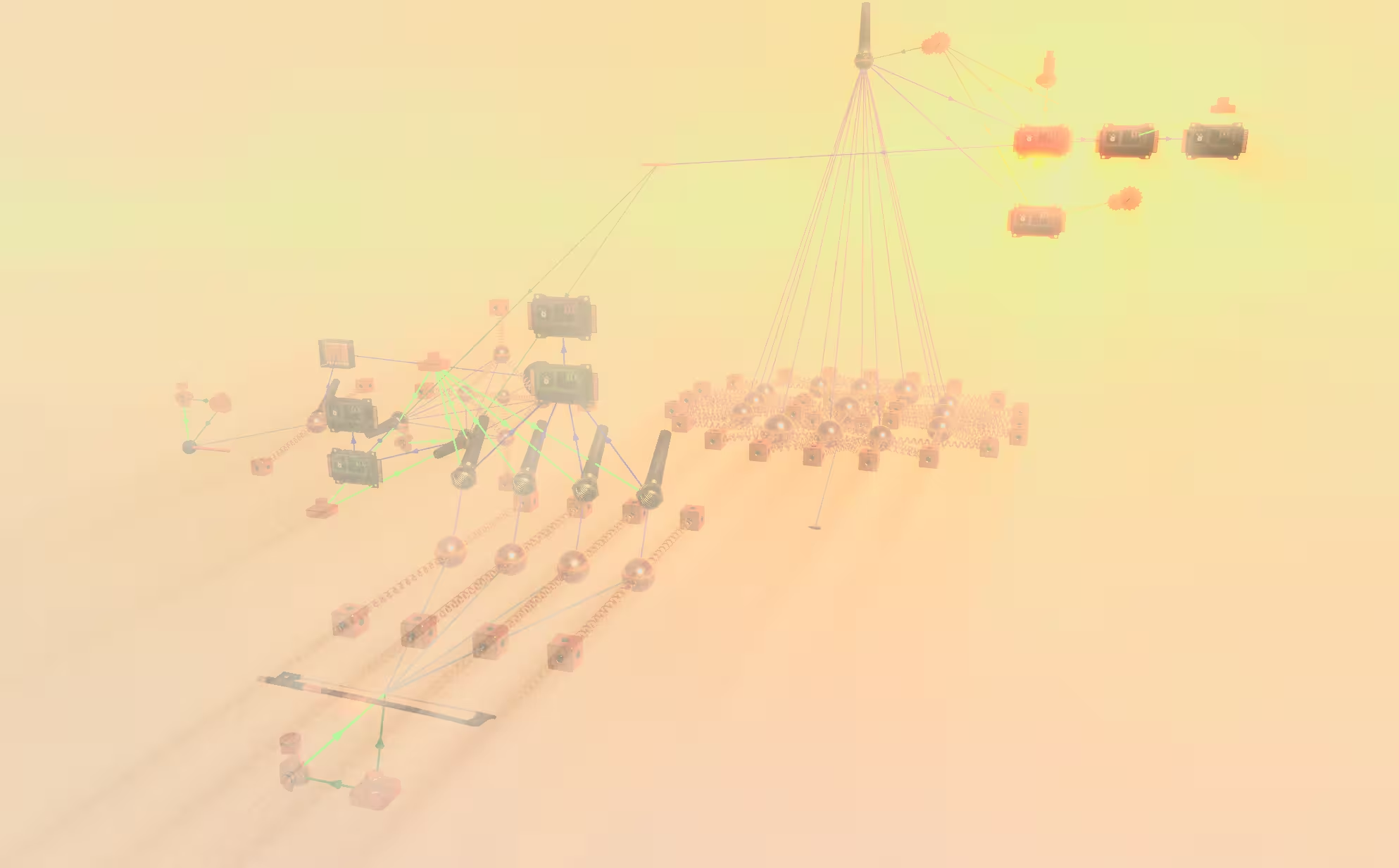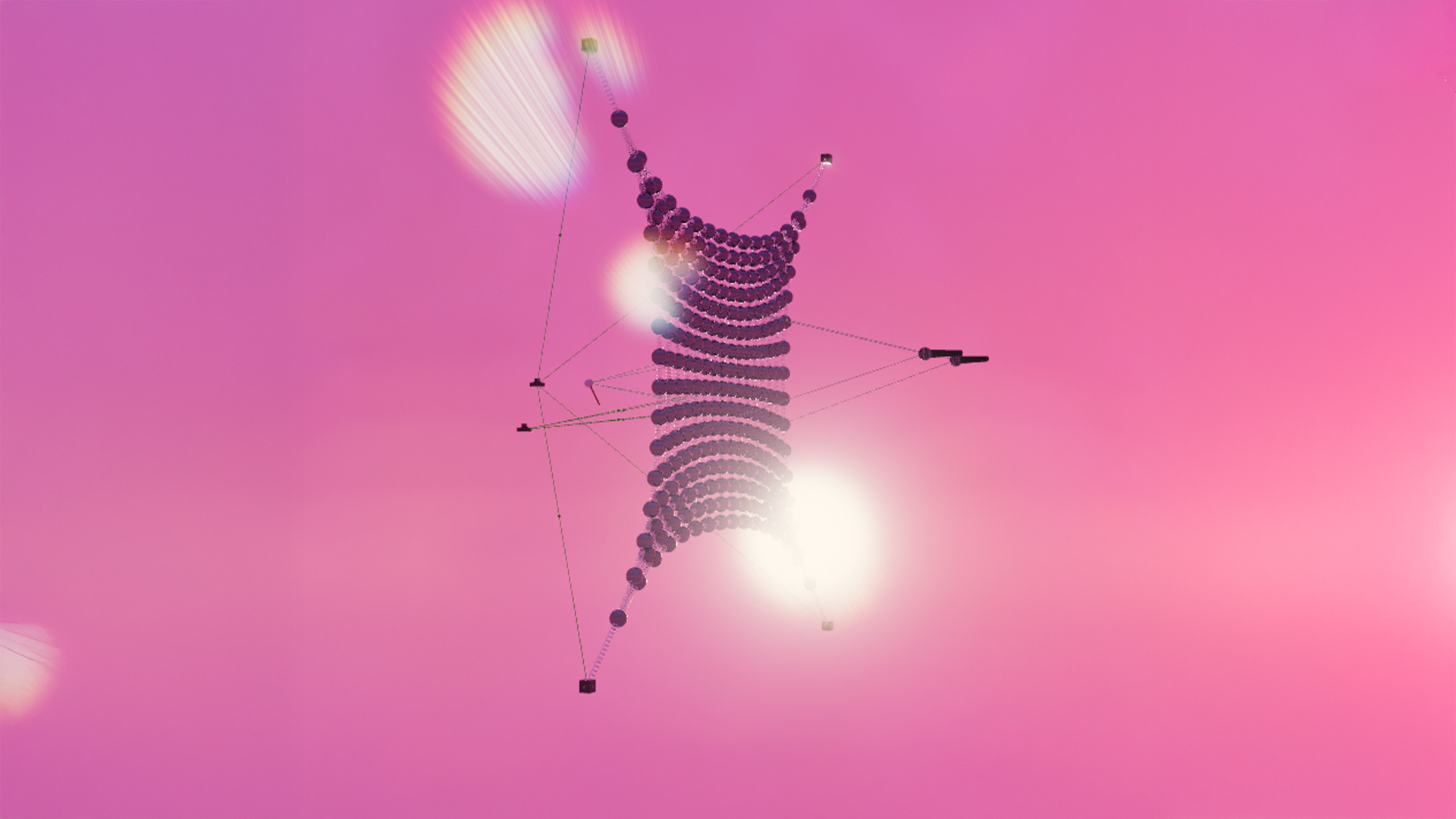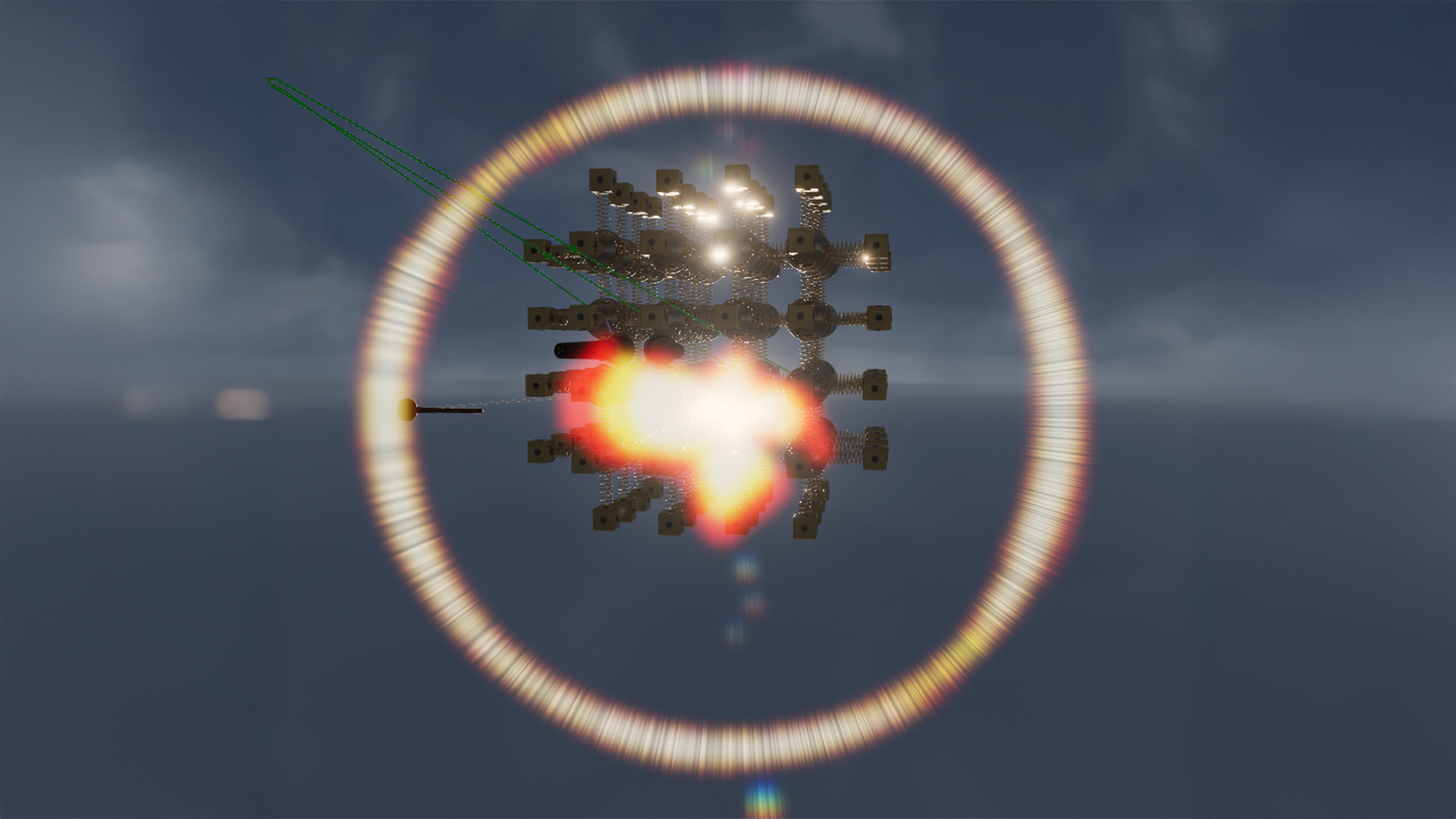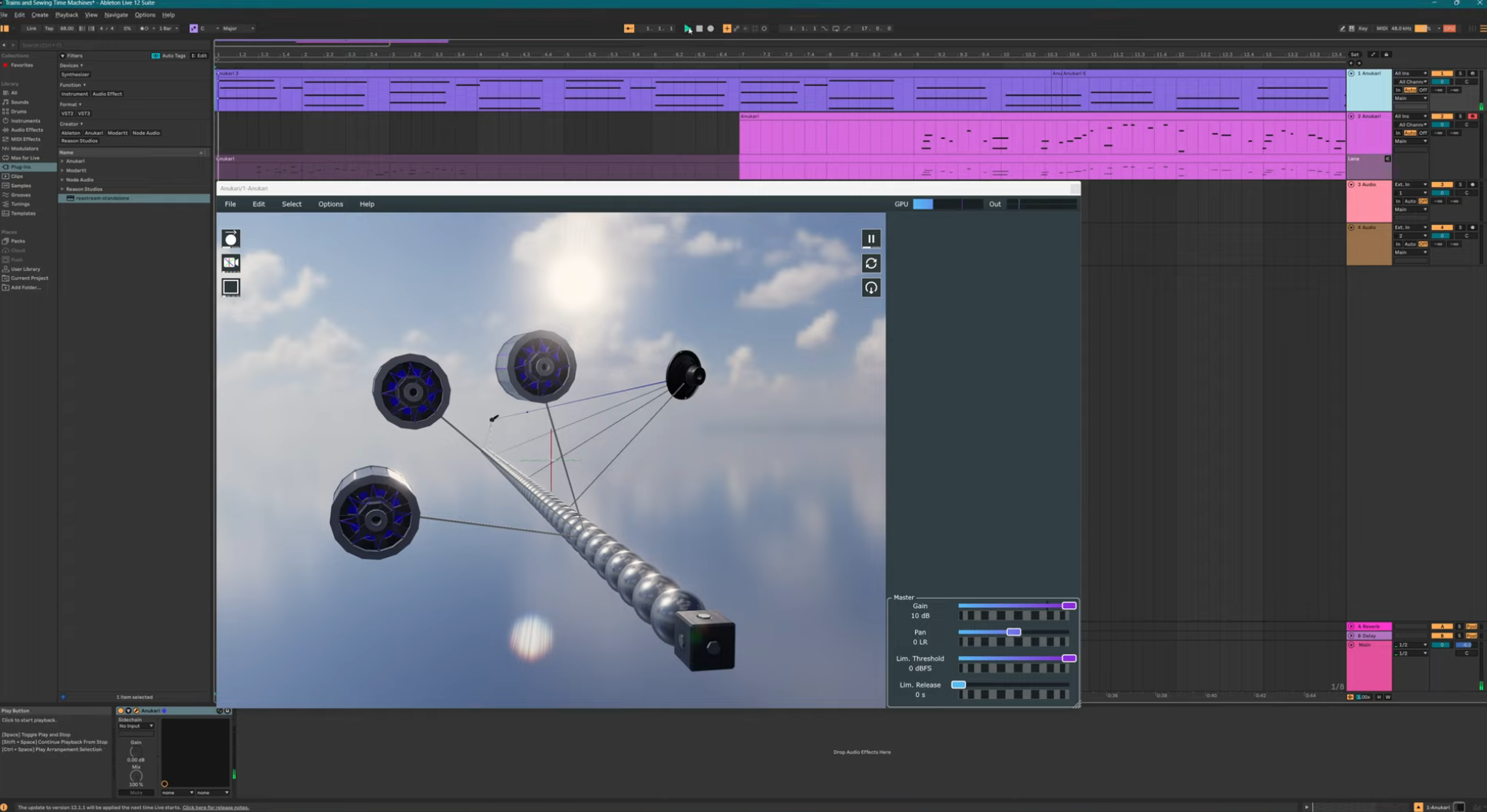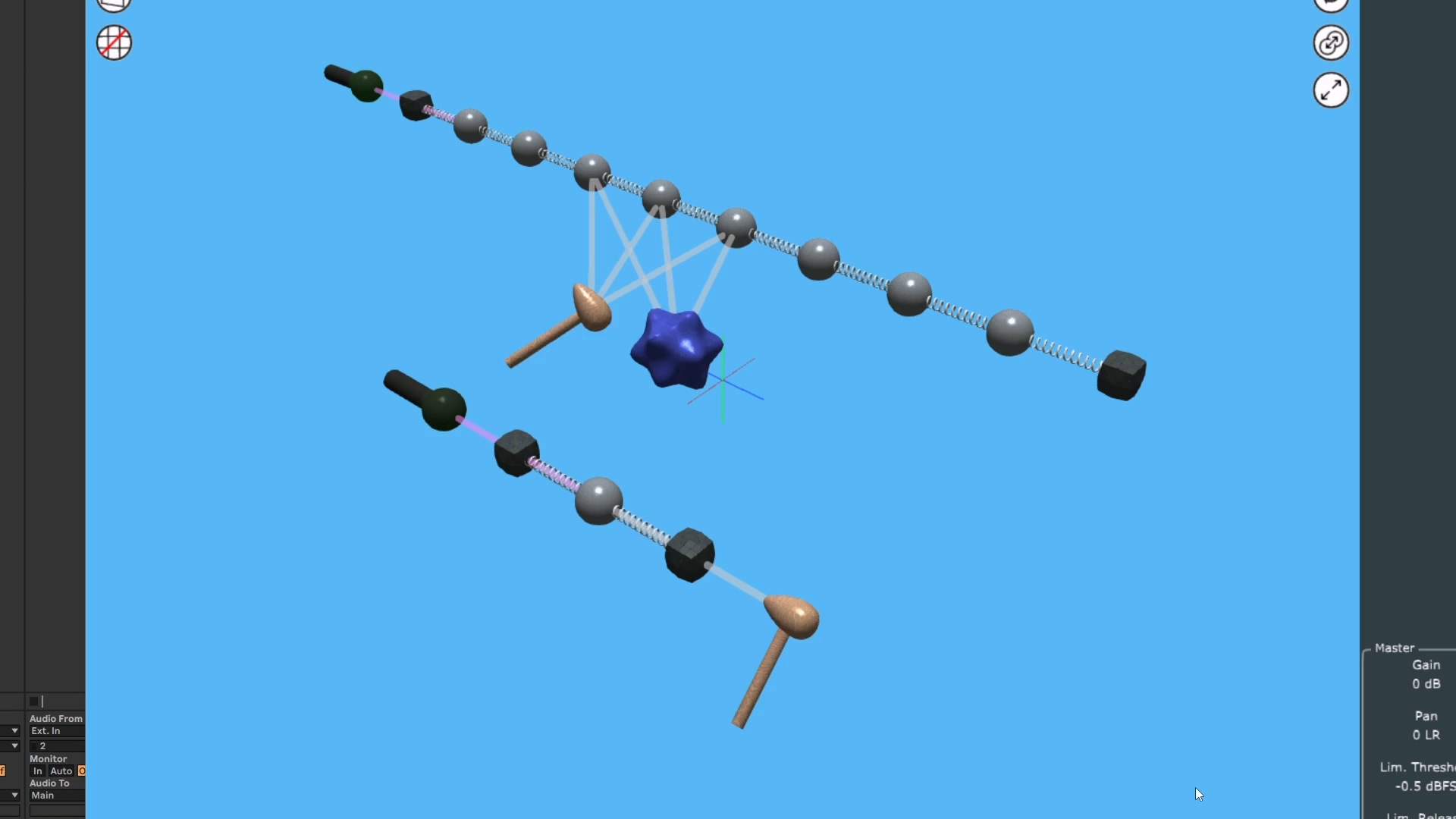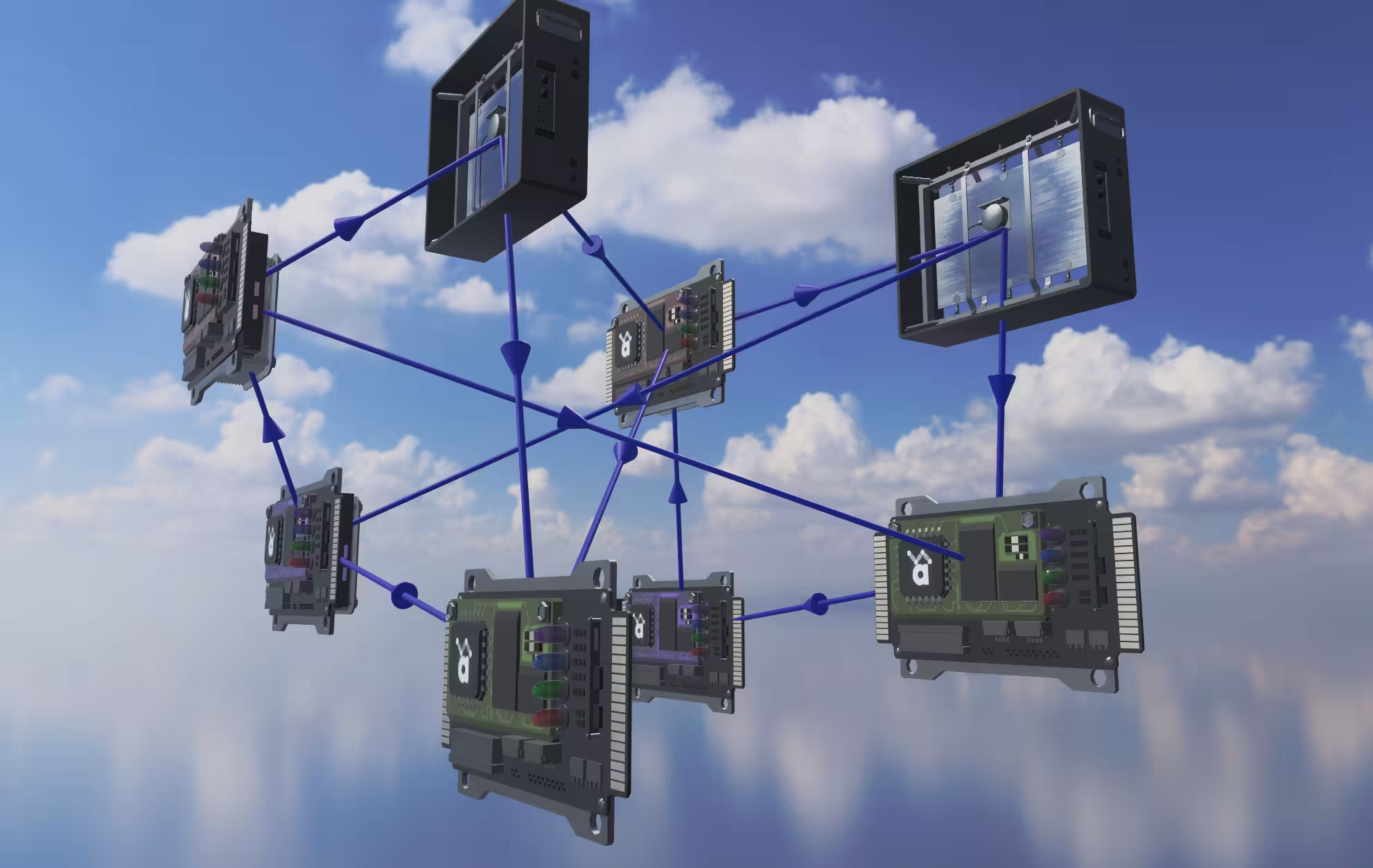
The new FX object puts 27 effects like reverb and vocoder in the 3D scene, instanced per voice so the FX chain can feed back into the physics.
Captain's Log: Stardate 79887.1
The idea for the FX object started last year when I was watching Benn Jordan (The Flashbulb) do a live stream where he experimented with Anukari. Watching this stream was pretty surreal, since I am a long-time fan of The Flashbulb. Anyway at some point while he was messing around, he made an interesting sound, and said something along the lines of, "this sounds cool, despite not having any reverb."
I thought, yeah, jeez, reverb really would be nice. I often think of Anukari running in a DAW, where reverb could be added by a second plugin. But a lot of people use it as a standalone app where that's not possible, and also, it's kind of annoying that it doesn't do something as basic as a simple reverb. So I wrote down "add reverb?" in my TODO list.
I knew for sure that I didn't want to just have a master FX chain. That didn't seem interesting, and more to the point, it would make the FX a totally separate thing from the physics. And Anukari is all about the physics, right?
In fact to some extent I debated whether it was a good idea to add even a basic DSP reverb at all. You can build reverb-style effects using just the physics, and that's the approach that I want to emphasize. However I did some experiments with chaining a simple reverb plugin after Anukari and eventually decided that it is really nice to have.
So if not a master FX chain, what to do? One key Anukari design principle is that the 3D space is primary, and every aspect of the instrument should be represented there. That naturally implies that the FX chain should exist in 3D, which immediately seemed right to me.
But this comes with an implication: for polyphonic presets (most presets), everything you see in the 3D space is completely duplicated in N pocket universes to simulate N polyphonic voices. This means that the FX would also be instanced per-voice.
That's kind of weird, but... also kind of awesome? At first I thought this might present problems, but it turns out that this design leads to all kinds of interesting results. Because FX objects are instanced per-voice, it means that not only does the physics system feed into the FX chain, but also the FX chain can feed back into the physics system. Now that's how FX should work in Anukari. :)
Furthermore it means that the FX system is not simply a chain. Anukari already had a Delay Line connection which was used for sending audio data from Mics to Audio Input Exciters or Envelope Followers. So naturally the Delay Line is also how audio is wired between FX objects. This required upgrading Delay Lines from mono to stereo, but otherwise they work the same as before.
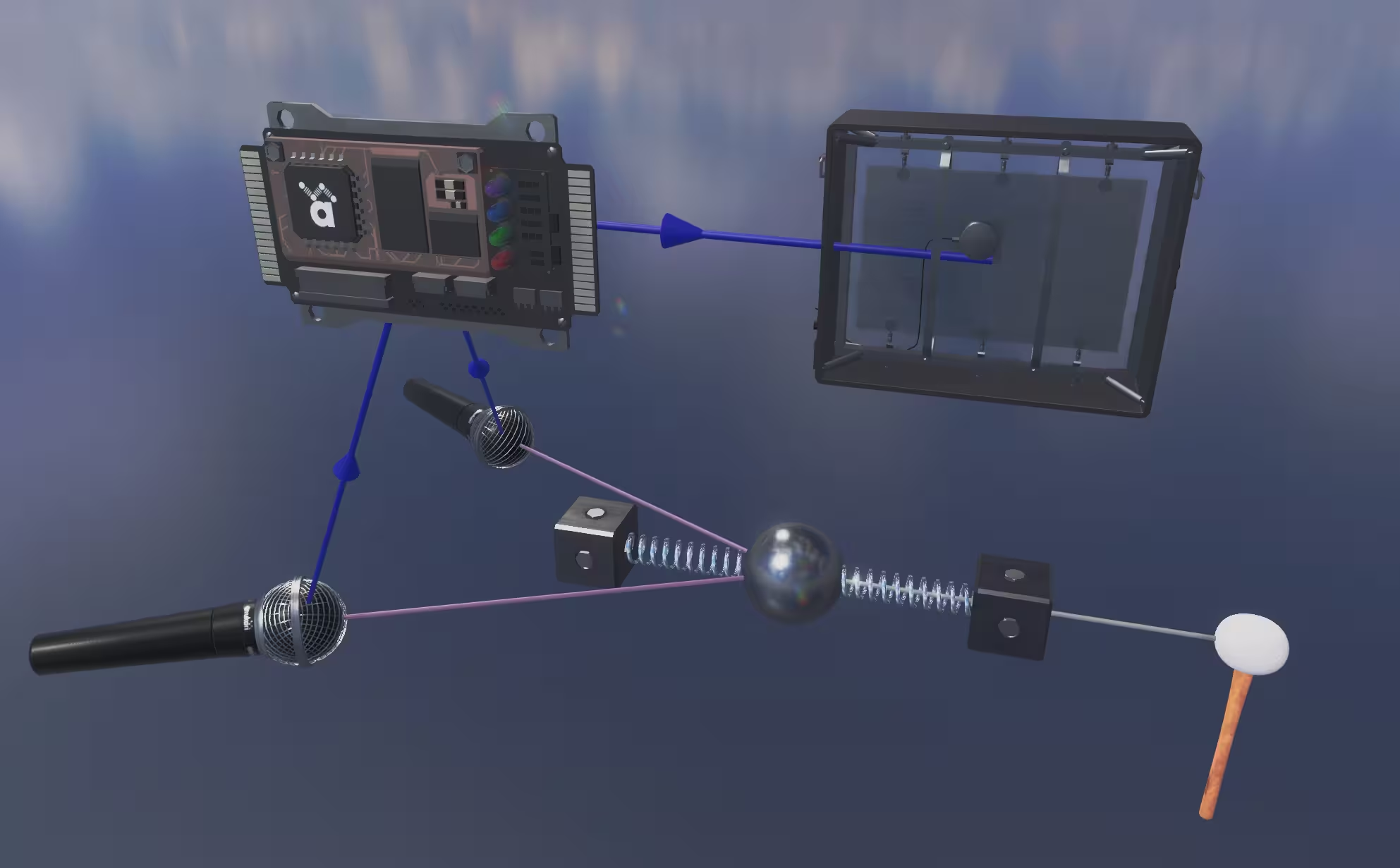
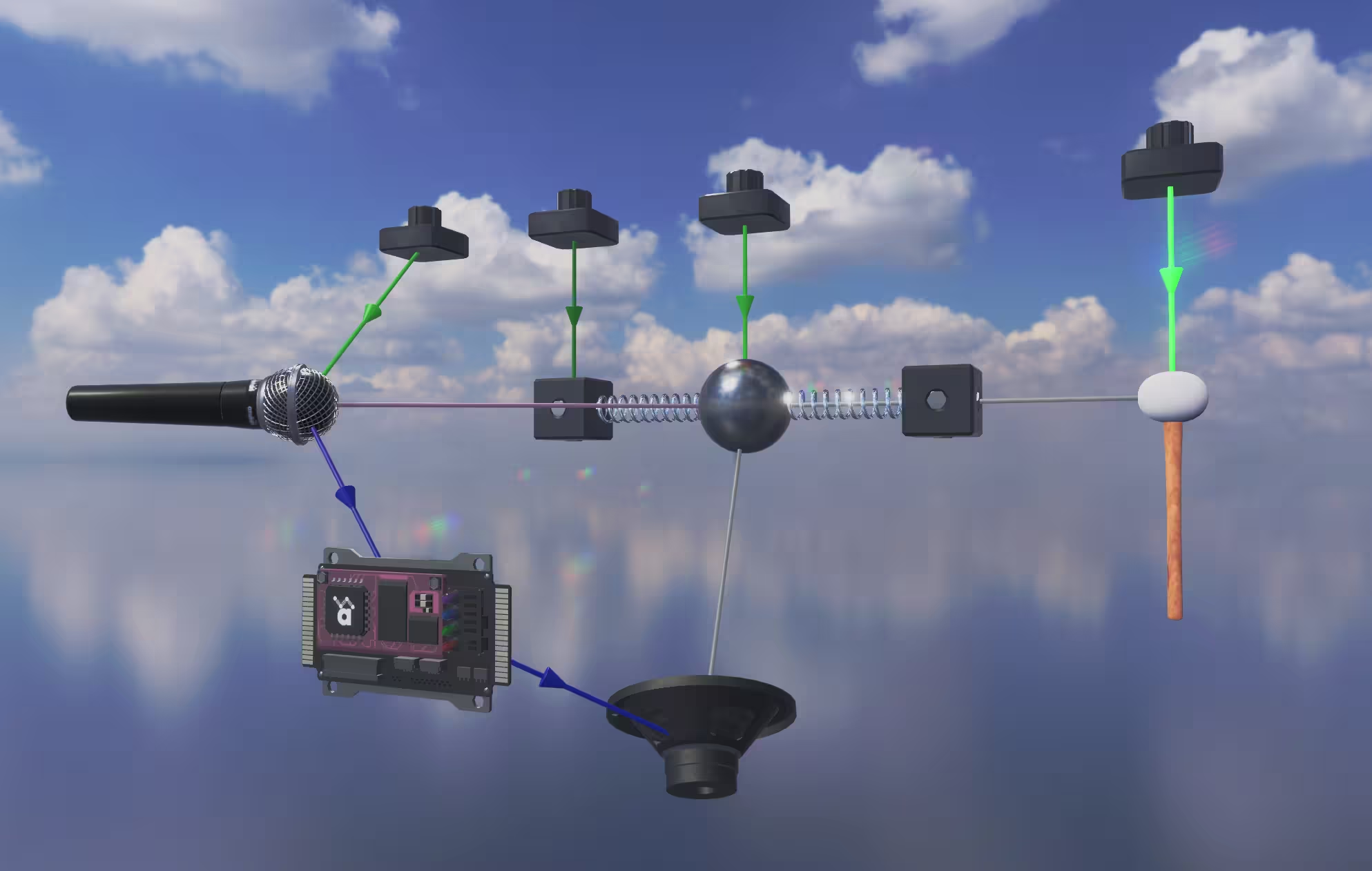
And because the FX are instanced per-voice, they can be modulated per-voice. So for example, you can use a trigger envelope to modulate the reverb tail, so that the tail continues while you hold the MIDI key down, and damps out when you release. Since reverb is per-voice, the tail for each voice can be independently modulated.
The idea started with just adding a simple reverb. But early on I chose to generalize this as a new object type that could both receive and send audio signals. There were existing objects that could receive audio, and send audio, but no existing objects could do both.
And once I had the idea to make a general FX object type, I figured I should at least add a couple of simple FX. I started with reverb and some saturation/distortion effects.
But that work went pretty quickly, and while testing the FX, I was having a ton of fun. So I brainstormed what other kinds of FX I could include.
I may have gone a little overboard.
I ended up adding 27 distinct audio effects, including 6 types of Distortion, 7 types of Reverb, LP/HP/Notch Filters, 3-Band EQ, Noise Gate, Chorus, Flanger, Phaser, Ring Modulator, Frequency Shifter, Formant, Grain Delay, Compressor, Delay, Vocoder, and Voice Broadcast. Oh, and virtually every parameter on every FX object can be modulated.
Each preset is allowed to have up to 50 FX objects, though for some of the FX you may run out of CPU before you run into this limit.
With the FX object, I am not trying to do a lot of DSP innovation. I'm trying to provide some familiar, useful FX tools, and then I want to get back to adding core physics features. I think it makes way more sense to invest my creative efforts in the physics, since that's what's unique about Anukari. And let's face it, I am not going to push the state of the art forward for the best compressor: there are people working on plugins who are focused on that, and will do a better job than me.
However there is one FX object which is not a traditional DSP thing: the Voice Broadcast FX.
Anukari's polyphonic approach of running multiple complete physics pocket universes has one drawback: each instance is completely separate, so energy from one system can't leak into another. Usually this is desirable, but there are cases where you want energy leaking back and forth.
Consider a hand pan: while each note has its specific "ding" to emit the desired pitch, obviously all the dings are physically part of the same piece of metal. This is key to why the hand pan sounds the way it does. Every ding you hit is sending energy to all the other dings.
Anukari can do this via the Singleton voice mode (see the Mallet-Metallic/4 Ding Chromatic preset). But it requires a huge amount of manual setup.
Enter the Voice Broadcast FX, which sums the audio signals it receives from each voice instance, and outputs the summed signal back out to each voice instance. This allows for systems that sympathetically vibrate across voice instances.
It's a bit tricky to use! By design it leads to feedback loops (voice A -> B back to A etc). So you have to use it thoughtfully; I have found that gating it with an envelope often works, or else feeding it into a second physics system within the preset (one that doesn't feed back into the FX input) is useful.
But it opens up all kinds of crazy sound design ideas.
After adding all these new FX objects, I ran into a UX problem. Or rather, an existing UX issue that was semi-tolerable finally spilled over into being intolerable.
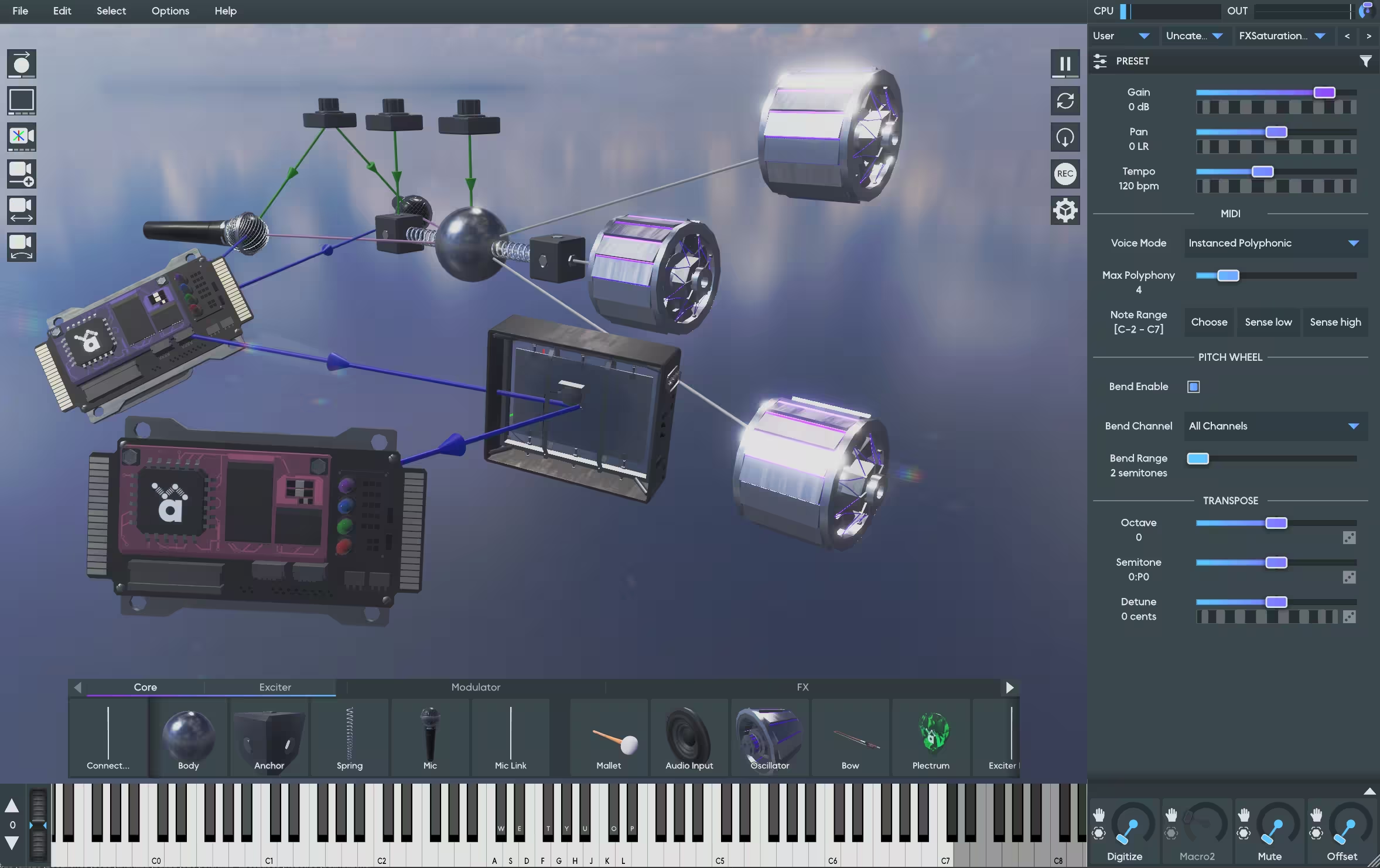
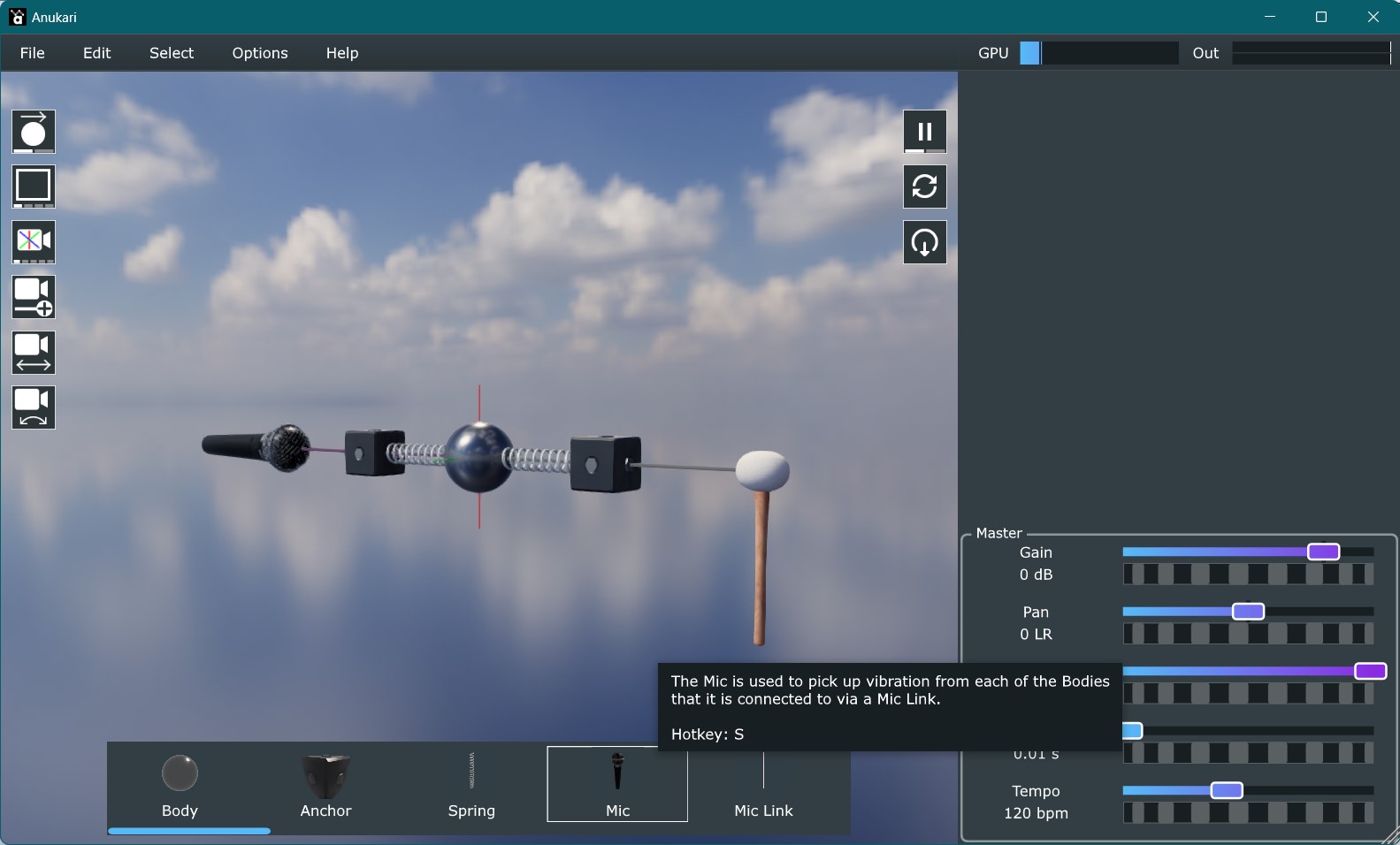
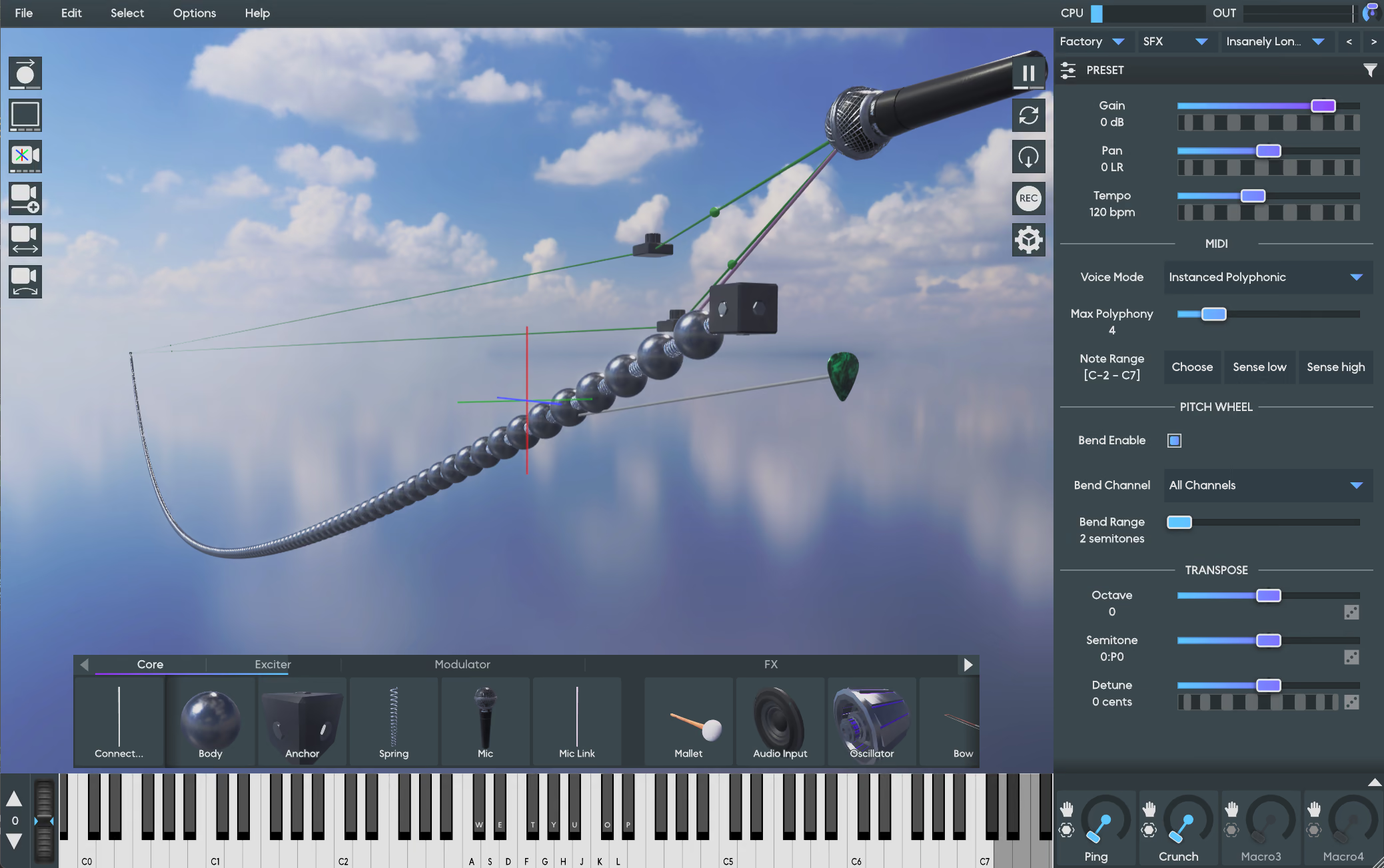
The object palette that lets users drag in new objects was a simple flat list of objects:

When there were only a few objects, this was OK. Later when I added a bunch of Modulators, it was already getting kind of cumbersome. There was a long list to scroll through, and it wasn't really all that obvious that it scrolled at all.
With the 20+ new FX objects the palette became truly ridiculous. Even knowing roughly where things were in the palette, I was often finding myself annoyed at having to scroll around and fine them. So I decided it needed a redesign.
I tried a bunch of different prototypes. I quickly found that some kind of tab/category label was really helpful. But it ate into the vertical space allocated to the palette, and combined with a scroll bar the items were getting too small. So I had the idea to combine the tabs with the scroll bar, which worked out wonderfully. You can click a tab to jump to it, or you can drag on the tab bar to scroll it. There are now arrows that you can click to scroll, and also make it much more obvious that scrolling is even possible.

Probably the most useful feature on the new palette, though, is the "Connect..." item. This works like a draggable version of the existing "C" hotkey: it creates a generic link that will automatically adapt to a specific link type based on what you connect. This is much simpler than having to scroll to find the link type you wanted and drag that in. It also provides me with a place in the future to display some kind of info about objects that are missing connections, which is a big stumbling block for new users.
Overall I think the new palette is much more usable, and I'm glad the addition of FX finally motivated me to put some work into it!




.jpg)