
Rigid Rod
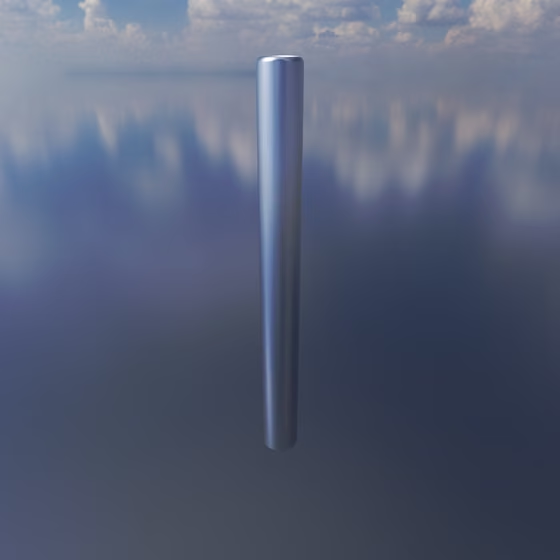
The Rigid Rod holds its two ends at its neutral length without stretching or compressing. Between two Resonators, or a Resonator and an Anchor, it holds the distance they rest at and couples their vibrations. It uses much more CPU than a regular Spring, so be thoughtful in its use.
To add one, drag the Rigid Rod from the Core tab of the Object Palette onto the first object, then click the object to connect it to. You can also select an existing Spring and change its Type to Rigid Rod in the right panel.
At most 16 Stable Springs, Collisions and Rigid Rods can share one group of connected objects; see The Group Limit.
Rigid Rod Properties#
- Type: Which kind of spring this is: Spring, Stable Spring, Collision or Rigid Rod. Changing it keeps the connection and converts it to the new kind.
- Length: The distance the Rigid Rod holds its two ends at. A Rigid Rod has no Stiffness: it holds this length outright. When both ends are Resonators or Anchors, the rod holds the distance they rest at instead, so this control is hidden.
- Relax Spring Length: This button sets the Length to the current distance between the two ends. Like Length, it is hidden when both ends are Resonators or Anchors.
When a Rigid Rod connects to a Resonator, the panel also shows where it touches the Resonator's surface. See Resonator for those settings.