
Collision
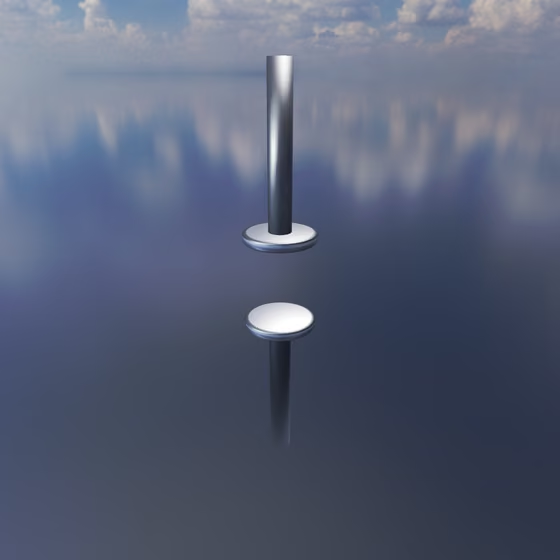
The Collision only pushes: it presses its two ends apart while they are closer than its neutral length and does nothing once they are farther apart, which makes a stop or a rattle between physics objects. Two objects joined by a Collision bounce off each other instead of being held together, so a Body can buzz against a Resonator or an Anchor. Its stiffness and exponent set how hard it pushes back as it is compressed. It uses much more CPU than a regular Spring, so be thoughtful in its use.
To add one, drag the Collision from the Core tab of the Object Palette onto the first object, then click the object to connect it to. You can also select an existing Spring and change its Type to Collision in the right panel.
Because a Collision never pulls, a Body held only by Collisions is not tied to anything; hold it in place with a regular Spring as well, or let Gravity rest it against the stop.
At most 16 Stable Springs, Collisions and Rigid Rods can share one group of connected objects; see The Group Limit.
Collision Properties#
- Type: Which kind of spring this is: Spring, Stable Spring, Collision or Rigid Rod. Changing it keeps the connection and converts it to the new kind.
- Stiffness: How hard the Collision pushes its ends apart once they are closer than its Length. Higher stiffness makes a harder, brighter contact.
- Length: The distance at which the two ends touch. Closer than this, the Collision pushes them apart; farther apart, it does nothing at all.
- Exponent: The power of the compression a Collision pushes back with, from 1 to 3. At 1 it pushes back in proportion to how far its ends are pressed together, like a regular Spring. Higher values start gentler and grow faster the harder the ends are pressed, more like a felt pad than a hard stop.
- Relax Spring Length: This button sets the Length to the current distance between the two ends, so they just touch in their current configuration.
When a Collision connects to a Resonator, the panel also shows where it touches the Resonator's surface. See Resonator for those settings.