
Stable Spring
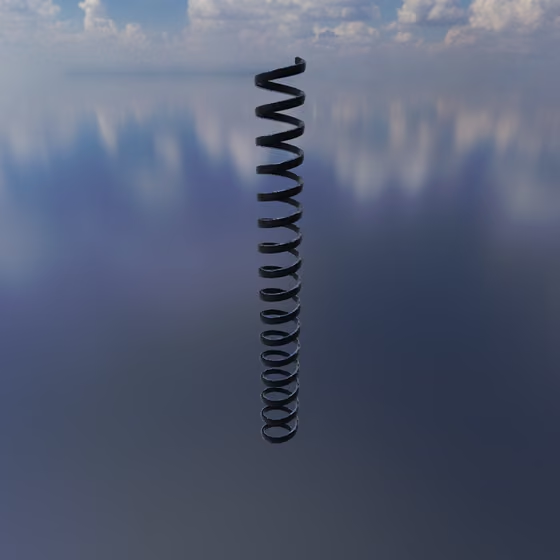
The Stable Spring is a Spring with a damper that is solved together with whatever it connects, so it stays stable at any stiffness. Use it for a very stiff coupling, such as a bridge between a Body and a Resonator, where a regular Spring of the same stiffness would be unstable. It uses much more CPU than a regular Spring, so be thoughtful in its use.
To add one, drag the Stable Spring from the Core tab of the Object Palette onto the first object, then click the object to connect it to. You can also select an existing Spring and change its Type to Stable Spring in the right panel.
At most 16 Stable Springs, Collisions and Rigid Rods can share one group of connected objects; see The Group Limit.
Stable Spring Properties#
- Type: Which kind of spring this is: Spring, Stable Spring, Collision or Rigid Rod. Changing it keeps the connection and converts it to the new kind.
- Stiffness: How resistant the Stable Spring is to compression or elongation, or in other words, how hard it will push/pull on connected objects to return to its resting length. Higher stiffness tends towards higher pitch, and vice versa. When attached to a Body with high mass, higher stiffness is required for the same pitch. Unlike a regular Spring, a Stable Spring stays stable however high you set it.
- Length: The neutral resting length of the Stable Spring. This is the length that it is always trying to return to. When the two objects it connects are at this distance apart, it does not push/pull on them. As they get closer together than the neutral length, it will push them apart, and as they get further apart than the neutral length, it will pull them together.
- Damping: How much the Stable Spring resists its ends moving together or apart. Higher values soak up vibration passing through it, so the objects it joins ring out for less time.
- Relax Spring Length: This button sets the neutral resting length to the current length, so that the Stable Spring is no longer under compression or elongation in its current configuration.
When a Stable Spring connects to a Resonator, the panel also shows where it touches the Resonator's surface. See Resonator for those settings.