
Custom Resonator
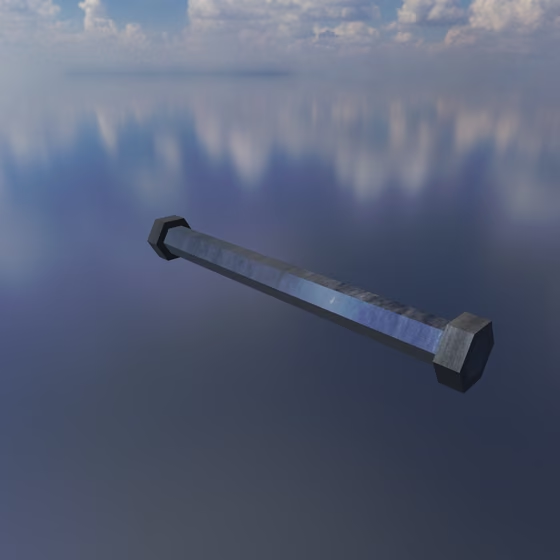
The Custom Resonator is an object that rings at whatever overtones you list, for tunings no physical object has, from a pure harmonic series to an imaginary bell. Like every Resonator, it takes Springs, Exciters, and Mics anywhere along it, and its pitch follows the played note. It is shaped like a rod and responds along its length like a String, so where a contact sits along it (Contact: U) still picks which overtones it drives and hears, and its contacts offer both a Velocity and a Pressure port.
A new Custom Resonator starts with the first eight harmonics (1, 2, 3, and so on up to 8), ready to edit.
Its Frequency, decay, Material, Tension, Curvature, Mode EQ, and other shared properties are documented on the Resonator page. Max Modes plays the first entries of the list, up to 64.
Custom Resonator Properties#
- Ratios: Mode frequencies relative to the Frequency, entered as decimals or fractions (3/2) separated by commas or spaces: 1 to 64 ratios from 0.05 to 256, with Max Modes playing the first entries in list order. The ratios can come in any order, and the list doesn't need to contain 1. After a colon, an entry's level in dB (-60 to 24) and after another its decay multiplier (0.01 to 10): 1.2:-6:0.4. An entry without a level plays at 0 dB, and one without a decay multiplier decays at 1x. The level adds to the Mode EQ's, and the decay multiplier applies on top of Decay, Material, and the Mode EQ.
Below the Ratios field, a strip shows each entry as a bar at its ratio, its height set by its level; entries past Max Modes are grayed out. If the text can't be used (for example, a ratio out of range), the panel says why under the strip and keeps the previous list.