
User manual · Objects & Properties
String
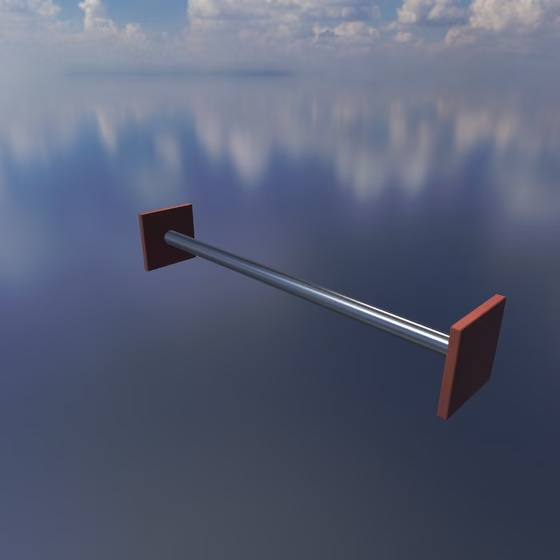
The String is a vibrating string, like a guitar, piano, or violin string: pluck it, strike it, or bow it. Like every Resonator, it takes Springs, Exciters, and Mics anywhere along its length, and its pitch follows the played note. Its contact points are placed along its length with Contact: U, from 0 at one end to 1 at the other, and its contacts offer both a Velocity and a Pressure port.
Its Frequency, decay, Material, Tension, Mode EQ, and other shared properties are documented on the Resonator page.
String Properties#
- Stiffness: The String's stiffness, which sharpens its higher overtones the way a piano string's do. 0 is a perfectly flexible string with harmonic overtones.
Bridge#
The Bridge is built into the String: a hard edge under it that the String buzzes against wherever it touches, like the curved bridge of a sitar or tanpura.
- Bridge: Puts a bridge under the String that it buzzes against where it touches. The settings below appear while it is on.
- Position: Where the bridge sits along the String, from 0 at one end to 1 at the other.
- Height: The gap between the String at rest and the bridge, in units of how far a full-velocity strike swings the String there: 0 touches it, and negative values press the bridge into the String. The buzz peaks just under 0; deeper in, the String rides the bridge, clean and sharp.
- Hardness: The bridge's stiffness, as the frequency the String rings at while it presses against it.