devlog > audio
Audio quality improvements
Captain's Log: Stardate 79463
My last couple of posts were about annoying website engineering stuff that I would have preferred to not spend time on. Fortunately while annoying, that wasn't a lot of work, and most of my time has still gone to working on the Anukari software itself.
A couple of weeks ago I released version 0.9.23, which was focused on audio quality improvements (full release notes here). There are also some pretty significant performance improvements, for example instruments with lots of microphones now perform much better, as I rewrote the mic simulation code in pure SIMD using all the tricks I learned with other entity types.
Now that performance is looking really good, I'm really happy that I've had the opportunity to work on the audio quality again. There's more performance work I can do, and I will at some point, but for now I am going to prioritize making the plugin sound better, by improving the existing physics simulation and by adding more audio features.
Master Limiter
One big thing in this release is that I replaced the master limiter, which for some presets could cause slight crackling, and in general, was flattening out the sound in an unpleasant way.
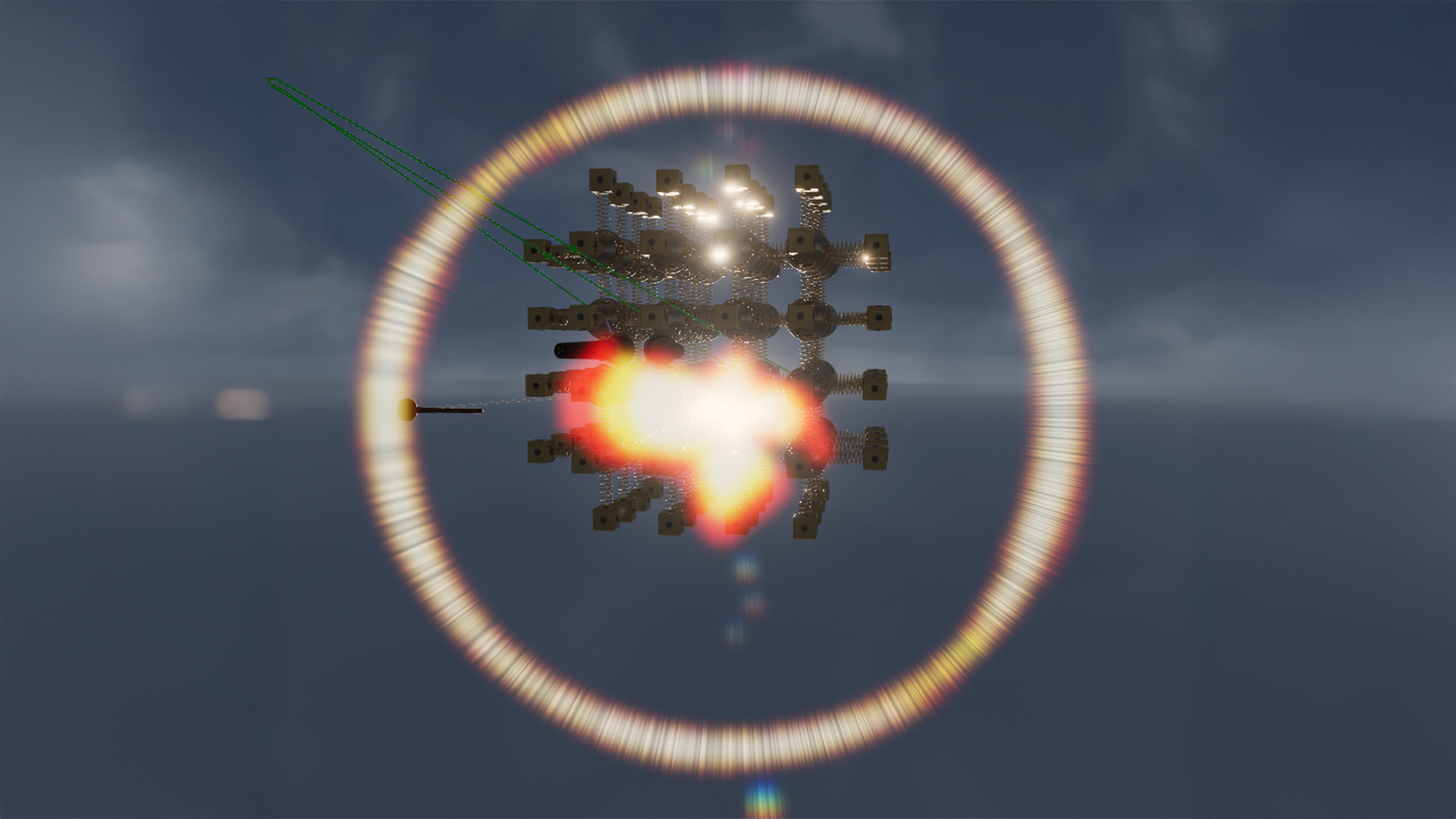
The limiter has a bit of history. Originally there was no limiter, no circuit breaker, and no automatic physics explosion detection. So when the physics system exploded due to crazy parameters, Anukari could make incredibly loud chaotic sounds. My wife and I referred to this as "Evan opened another gate to Hell in his office."
My first solution was the circuit breaker, which monitors the master RMS level and automatically pauses the simulation if a configurable limit is exceeded. This is really helpful when building presets, as it freezes the simulation before things get too chaotic, which allows you to undo whatever change you made that caused things to go haywire, and then go about your work.
Despite the circuit breaker, it was still possible to make really loud noises by accident. Sometimes it is possible to create an instrument that generates a loud sound just below the circuit breaker trip threshold, for example. And sometimes you don't want the circuit breaker on, e.g. while performing you probably don't want it to automatically pause.
So I added the master limiter, using the basic JUCE class as I expected it to be temporary. This seemed to work fine, guaranteeing that nobody's ears were melted by gateways to Hell.
Later when I added voice instancing, the physics explosion problem became more of an issue. Due to the way that Anukari uses time dilation to create higher pitches, every instrument will ultimately have a highest note that it can play without exploding, because the physics time step gets too large. So if you play a scale up the keyboard, you'll eventually hit a note that can't be simulated. The circuit breaker could catch this, but that's an awful user experience, since the whole simulation is paused.
Here I added automatic per-voice physics explosion detection. The most reliable signal I found was to monitor the maximum squared velocity of any object, and if it exceeds a given threshold, the given voice instance is automatically returned to its resting state. So if you play a note that's too high, it just won't do anything, or at worst you might get a light click and then silence. This way, when you play into a range that's not supported, the higher notes just don't make sound. Everything else keeps working.
I should also mention that at some point after I added the master limiter, I added compression for the microphones. This also massively reduced the possibility of producing gates to Hell, as even if they happen, the compressors will likely reduce the gain substantially and it won't be so bad.
Getting back to the master limiter, for a while I had noticed some very light crackling that I couldn't explain on some presets, such as SFX/Broken Reactor. It only happened with several voices playing loudly, but it was audible. Originally I assumed it was a problem with my compressor implementation, but I disabled the compressors and it still crackled. Ultimately I just kept disabling features until the crackle went away, and lo and behold, it was the JUCE Limiter class that was causing crackles.
Of course when I looked at the limiter code, I found a comment I wrote a year or two ago saying that the limiter crackled when the limit was set above 0 dBFS. I guess I thought I had fixed this by clamping the limit to a maximum of 0 dBFS, but I hadn't listened hard enough to realize that artifacts were possible below that as well.
The funny thing was: with the limiter disabled, some presets sounded way better. Not due to the absence of artifacts, since those were limited to some kind of weird presets. The dynamic range was much higher, which is one of the things I've always enjoyed about the sounds Anukari can make. Especially with percussive or metallic sounds, it's so important to have a lot of dynamic range.
JUCE's Limiter class employs two compressors with fixed parameters in series before a hard limiter with adjustable dBFS and threshold/release parameters. It turns out that it shapes the sound pretty significantly even when it's well below the hard limit.
Given that JUCE's Limiter sounded really bad for my use case, in addition to the crackling, I decided not to spend any time trying to fix it. I chose to get rid of any kind of shaping limiter entirely, and instead I went with a simple hard limit at +6 dbFS. Okay, not entirely hard, there's a polynomial taper, but it's pretty hard. I chose this threshold because it's easy to avoid clipping, and if the system goes haywire your eardrums will still be protected.
Voila, no more crackling, and way more dynamic range. This was a huge improvement.
Preset LUFS
After getting rid of the master limiter, I ran into a big issue, which is that many of the presets were much louder. In other words, they were relying on the master limiter to control their loudness. No wonder the dynamic range was squashed!
This meant that I had to go through and re-level all of the 200+ factory presets. This is something I wanted to do for a long time; the presets I made and the ones Jason made had pretty different loudness, and especially the ones I made were kind of all over the place.
To get this right, I installed the Youlean Loudness Meter 2 plugin to measure Anukari's integrated LUFS. This gave me an objective loudness metric. I targeted -15.0 LUFS for each preset under "typical" playing circumstances. The "typical" playing is a bit arbitrary, but I wrote some MIDI clips that I felt were reasonable for various kinds of presets. Big 4-note chords for pads and mallet instruments, fast lines for melodic instruments, single repeated notes for percussion, stuff like that.
While the LUFS metric was incredibly helpful, especially given how much ear fatigue I built up after many hours of leveling presets, I still relied on my ear to make the final judgement. Especially for instruments with very short note duration, integrated LUFS was not a great metric, and I was looking more at instantaneous LUFS and also simply listening.
It ended up taking two full passes over the presets to get the levels to a point where I was happy with them. But it was really worthwhile! Now you can cycle through the presets quickly, playing a couple notes on each one, and the volume level is far more consistent than before. You never have a preset jump out being twice as loud as the previous one. It feels much more professional.
The presets in general ended up being a bit quieter than before, so I also added a master output level knob. This should help especially in the standalone app when you want all presets to be a bit louder, and don't want to have to fiddle with the per-preset gain.
In addition, because I spent a lot of time cycling through presets, I made it so that when changing presets there's a very brief fade out/in. It wasn't a big deal, but if a preset was making noise when you cycled to the next one, there was a definite click. Now there's some softening to avoid any click. And I added this click-suppression in a couple other places, such as when the simulation is paused. It's a small thing but really feels good.
No More Ringing at Rest
Another issue that had long plagued Anukari was that some instruments would make a weird ringing sound when they were at rest. Basically, there was a digital noise floor. For most instruments, this was only audible if you cranked up the gain. But for instruments with extremely stiff springs, or lots of microphones, it was very audible. The worst offender was Mallet-Metallic/4 Ding Chromatic. It is one of my favorite presets, but it was really noisy.
Over the years I made several attempts to fix this, each time failing. I ran quite a few experiments on different formulations for the damping equations, since the ringing indicated that the system was somehow retaining energy. I did reduce the noise floor a bit with some very subtle changes to the damping integration, but never could get it to go away entirely.
For performance reasons Anukari uses single-precision (32-bit) floating point arithmetic for all the physics calculations. I always wondered whether using double-precision (64-bit) would help, but back in the GPU days this was not really an option, because many GPU implementations do not support doubles, and the ones that do are not necessarily very fast. In OpenCL, double support is optional and mostly not offered.
But a deeper problem with doubles on the GPU was that the physics state had to be stored in threadgroup memory, which is extremely limited. Doubling the size of the shared physics state structure would cut the number of entities that could be simulated in half, making many presets unusable.
Anyway, the new CPU physics implementation does not have the limitation of storing everything in the tiny GPU threadgroup memory. It's true that doubles will still use twice as much memory as floats, and that may have performance effects from reading more memory, and of course the SIMD operations would have half the width as the float versions. But I figured... why not give it a shot?
I hacked together the worst AI slop prototype of double support, being careful to only use double precision for the absolute minimal set of physics operations that might affect the ringing issue, and voila, the ringing was completely gone. It was always simply due to the lack of precision in 32-bit floats. This makes a lot of sense; basically with stiff enough springs and high enough gain, the closest position that a 32-bit float could represent to the true lowest-energy state might contain enough error to matter. At each step, a small force would be calculated to push things towards equilibrium, but the system would only orbit around equilibrium in accordance with the available floating point precision. (Of course 64-bit doubles still behave this way, but the error is way, way too small to be audible even with extremely high gain.)
Using doubles is slower than floats, for sure. But there are a couple things that made this change possible.
First, the slowest part of the simulation is the random access lookups to read the positions of the masses that springs are connected to, to calculate the spring forces. These lookups (and force writes) did not get appreciably slower! This may be surprising, but the reason why is pretty simple. All the processors that Anukari runs on use 64 bytes as the size of a cache line. The position of a mass is a three dimensional vector, which is really four dimensions for alignment reasons. So for 32-bit floats that's 16 bytes, and for 64-bit doubles it's 32 bytes. Notice that both sizes of floating point representation, the vector fits into one cache line. Because the lookups and writes are random access, and the memory being accessed is often larger than L1 cache, in both cases full cache lines are being read and written, and the size of the float makes no difference.
Second, while the SIMD computation bandwidth is cut in half for the 64-bit operations, in many cases the latency of the computations is eclipsed by the memory latency. The code is written carefully to ensure that computation and memory access are pipelined to the maximum extent. So in the situations where the memory access was the dominating factor, adding extra computational instructions didn't actually increase the runtime.
That said, even with a lot of optimization and luck, 64-bit floats are slower, so the third factor is that I did a bunch of small optimizations to other parts of the code to speed it up enough to pay back the runtime penalty of the 64-bit operations. In the end I was able to make it net neutral in terms of speed, with the huge audio quality improvement from doubles.
I am extremely pleased that this is no longer an issue!
The Audio Units logo and the Audio Units symbol are trademarks of Apple Computer, Inc.
VST is a trademark of Steinberg Media Technologies GmbH, registered in Europe and other countries.